42
3. Exchange the electronic tray with SDCS-CON-H.
Remove the old electronic tray with SDCS-CON-H
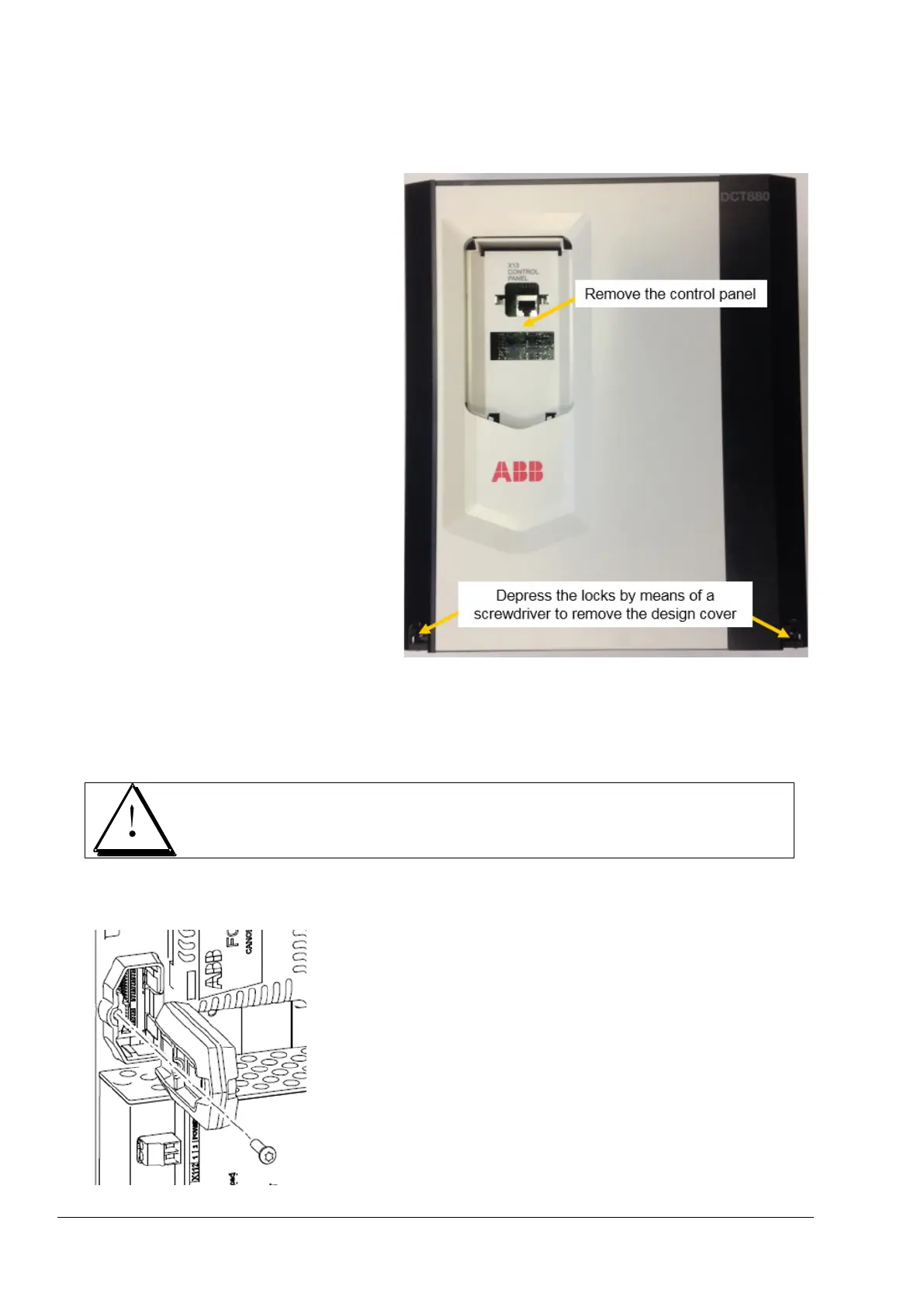
1. Remove control panel and design cover.
2. Remove the memory unit from X205.
The thyristor power controller is equipped with a memory unit that is plugged into X205 on the SDCS-
CON-H. The memory unit contains the firmware, the parameters and the application program (as option).
When a SDCS-CON-H is replaced, the parameter settings can be retained by transferring the memory
unit from the defective SDCS-CON-H to the new SDCS-CON-H.
Do not remove or insert a memory unit when the thyristor power controller is powered.
Replacing the memory unit
Unscrew the memory unit and pull it out. Replace the memory unit in reverse order.
Exchange SDCS-CON-H
3ADW000449R0101 DCT880 Service Manual e a


 To Next Page