IM300 Intelligent Power Monitoring Instrument
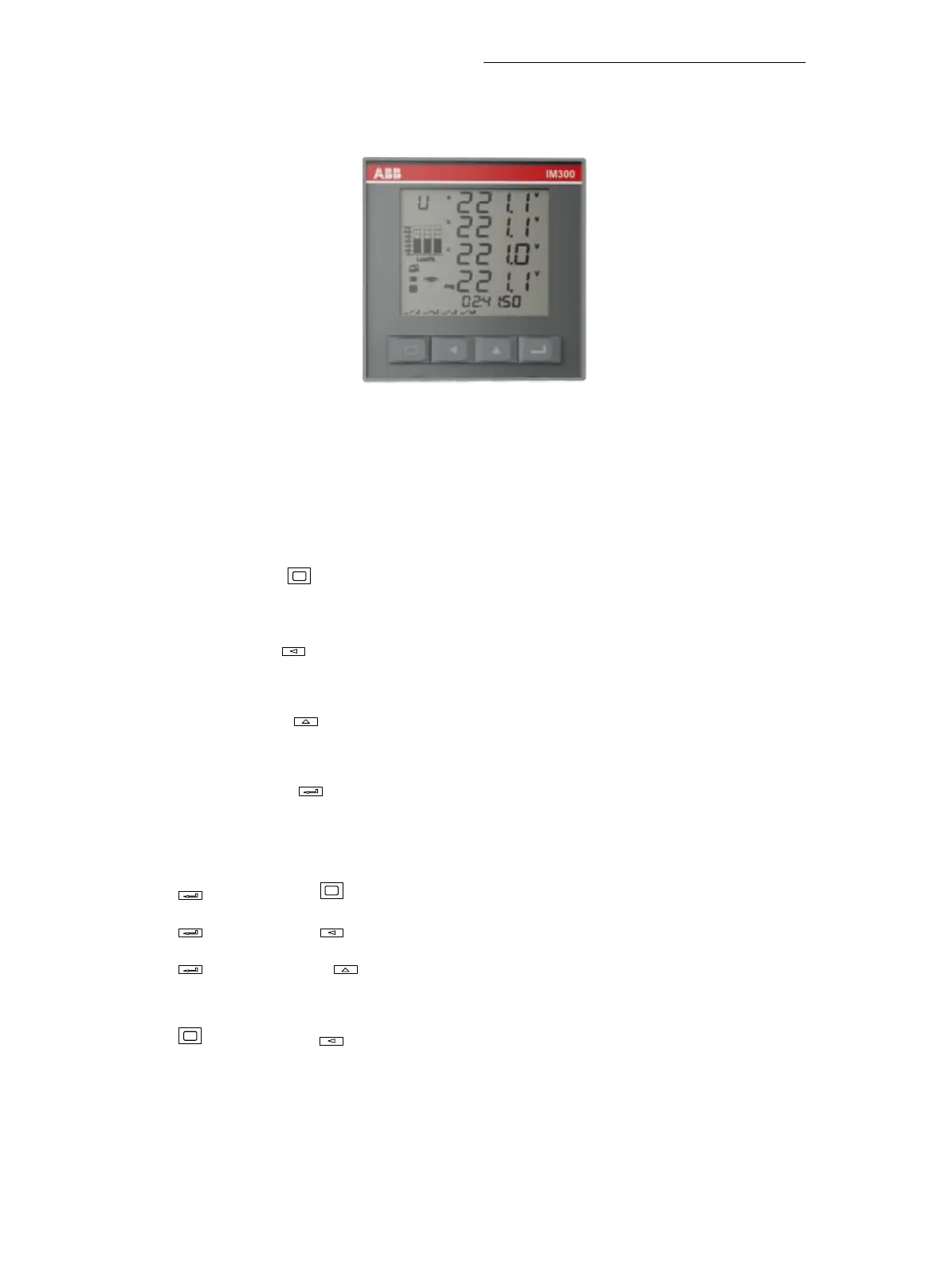
3.1. Button operation
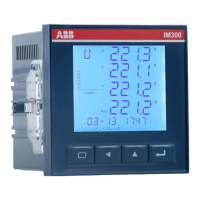
Fig 3.1.1 button
The operation of IM300 is divided into single button operate mode and
combination button operate mode.
The single button operate mode only use one of the four buttons to display all
the monitored data of the device:
Single button
-
Measurement data display: display voltage, current, power
factor, power, frequency and other data.
Single button -The harmonic data show that the harmonic distortion ratio, the
harmonic share, the voltage current and the voltage current are not equal.
Single button - Operating parameters: Display all operating parameters
information system.
Single button - Display accumulated value: Displays various energy
information.
Operation button combination:
combined with
:
Output for local operations and other special functions.
combined with :Used to modify local parameters.
combined with
:
Queries the device memory SOE records, statistics,
demand.
combined with
:
Inquire the time and the internal temperature
Combination mode entry and exit introduction:


 To Next Page