IM300 Intelligent Power Monitoring Instrument
The operation to system reset is the same as clearing SOE.
3.5. SOE and statistic Inquiry
3.5.1. Features
In the single button mode, press and button to enter into the event log
query mode, the upper left corner of the screen displays the word "SOE
a
", indicates
the switch event log. Press or button up and down to view content. Press
“ ” will turn screen directly, The limit alam SOE "SOE
b
", the maximum minimum
value of the electrical parameter, and the maximum demand "DMD" in turn.
Note: The screen will go back to the single button mode automatically if there is
no operation on buttons in ten minutes.
3.5.2. Inquiry switching value SOE
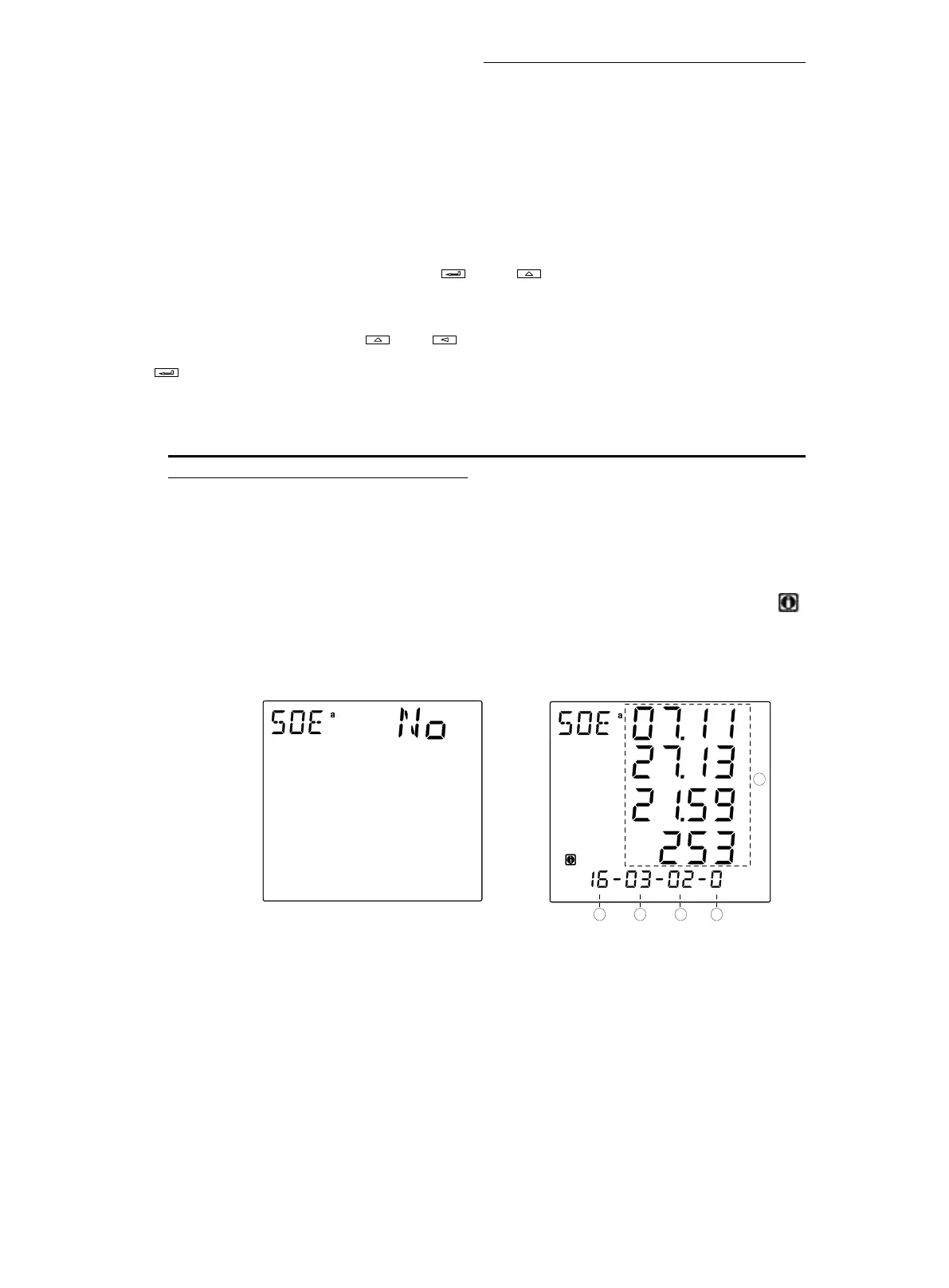
If there is no SOE records in RAM, after entering inquiry SOE mode, the upper
display shows "NO", as shown in fig. 3-5-1. If there is SOE records in RAM,The " "
sign is displayed in the lower left corner of the screen.After entering inquiry SOE
mode, as shown in fig. 3-5-2:
①
Total switch SOE event (up to 32). As shown there are currently a total of
16 events are recorded.
②
Current event being viewed. As shown currently are visiting for the third
events.
③ Types of events: in the following table.






 To Next Page