IM300 Intelligent Power Monitoring Instrument
Screen 45 to screen 48: Display the absolute value of the 3th quadrant
reactive energy at sharp,peak, shoulder or off-peak rate
“Eq-3” displayed on the top.The screen display is similar to screen 29.
3.3. Parameter Settings
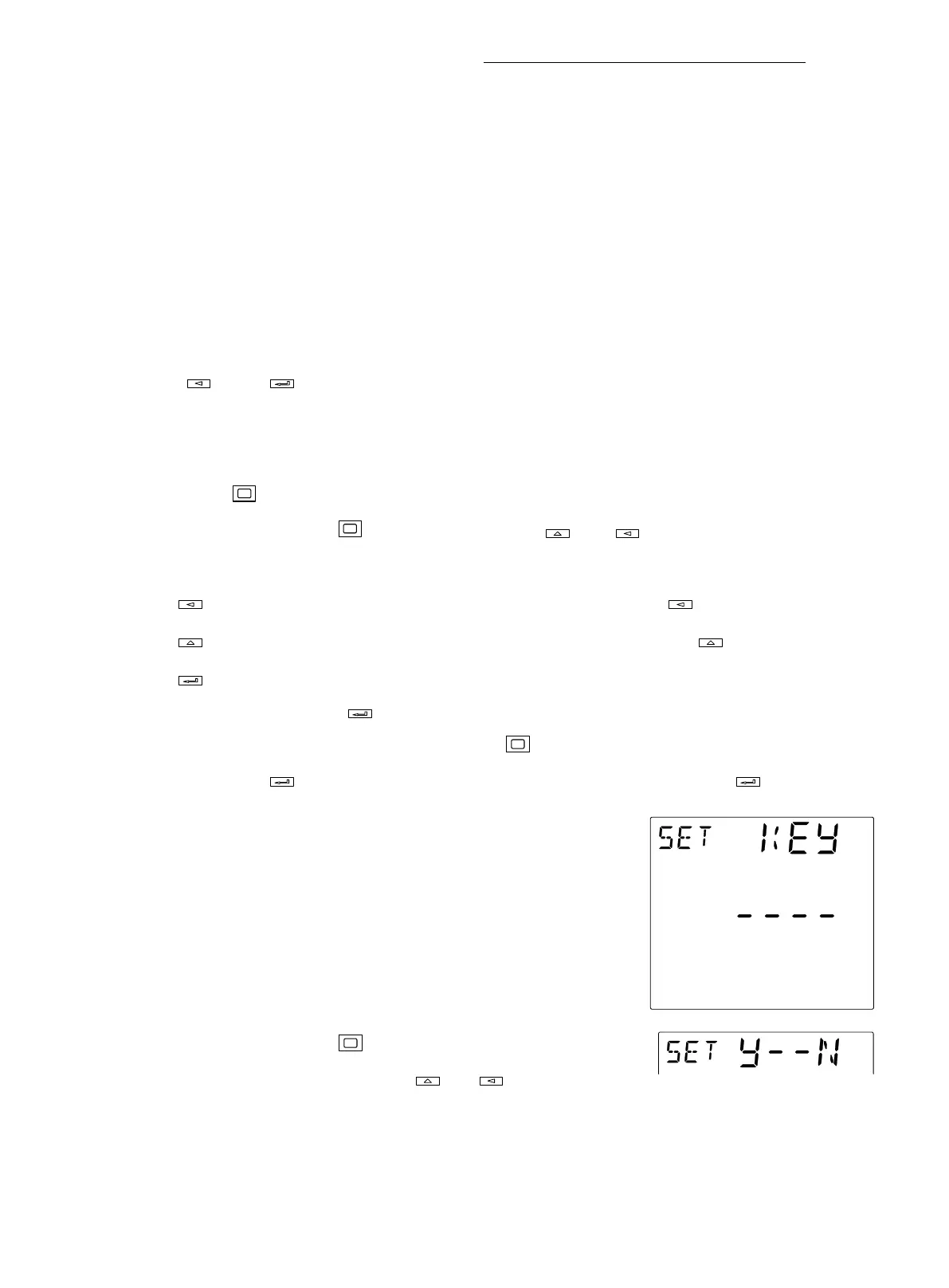
In the single button mode, you can enter the parameter setup mode by pressing
“ ” and “ ” at the same time, “SET” will display at the left top corner of the
screen.
3.3.1. button function in parameter setup mode
Press “ ”, a bit of the parameter on the screen will twinkle, and the next bit will
twinkle by pressing again. You can press “ ” or “ ” to plus or minus the
value of the bit.
is the plus button, the flash bit will plus 1 when you press “ ” once.
is the minus button, the flash bit will minus 1 when you press “ ” once..
is the page down button and validated button. When parameter setting is
accomplished, press “ ” to validate the parameter, and “Y--N” (YES--NO) will
displays on the top of the screen. Press “ ” to select “Y” or “N”. Select “Y”
and press “ ”, the parameter will be saved , select “N” and press “ ”, the
parameter will be not saved.
3.3.2. Parameter Settings
Starting interface parameter setting mode for password
confirmation. Each time you enter the parameter setting mode
are first prompted for a password, the password is displayed as
"----." Password total of four, ranging from 0000 to 9999, the
factory default is 0000. Press to toggle between four digit
password to cycle selection, press or button to choose
positioning subtraction operation, range 0 to 9, the button to
confirm the entry is complete. Parameters can be set only after the confirmation






 To Next Page