Section 5 Connecting
5.1 Connecting the RJ-45 LAN cable
1. Connect the RJ-45 LAN cable, that is CAT 7, between the IED and
WGA631.
2. Connect the LAN cable to the LAN connector, for example, to Port 1 of
WGA631.
The other end of the cable is connected to the IED's Ethernet communication
port.
5.2 Connecting auxiliary power and earthing
1. Connect the auxiliary power.
The voltage range for the external power connection U
aux
is 110-220 V DC /
AC.
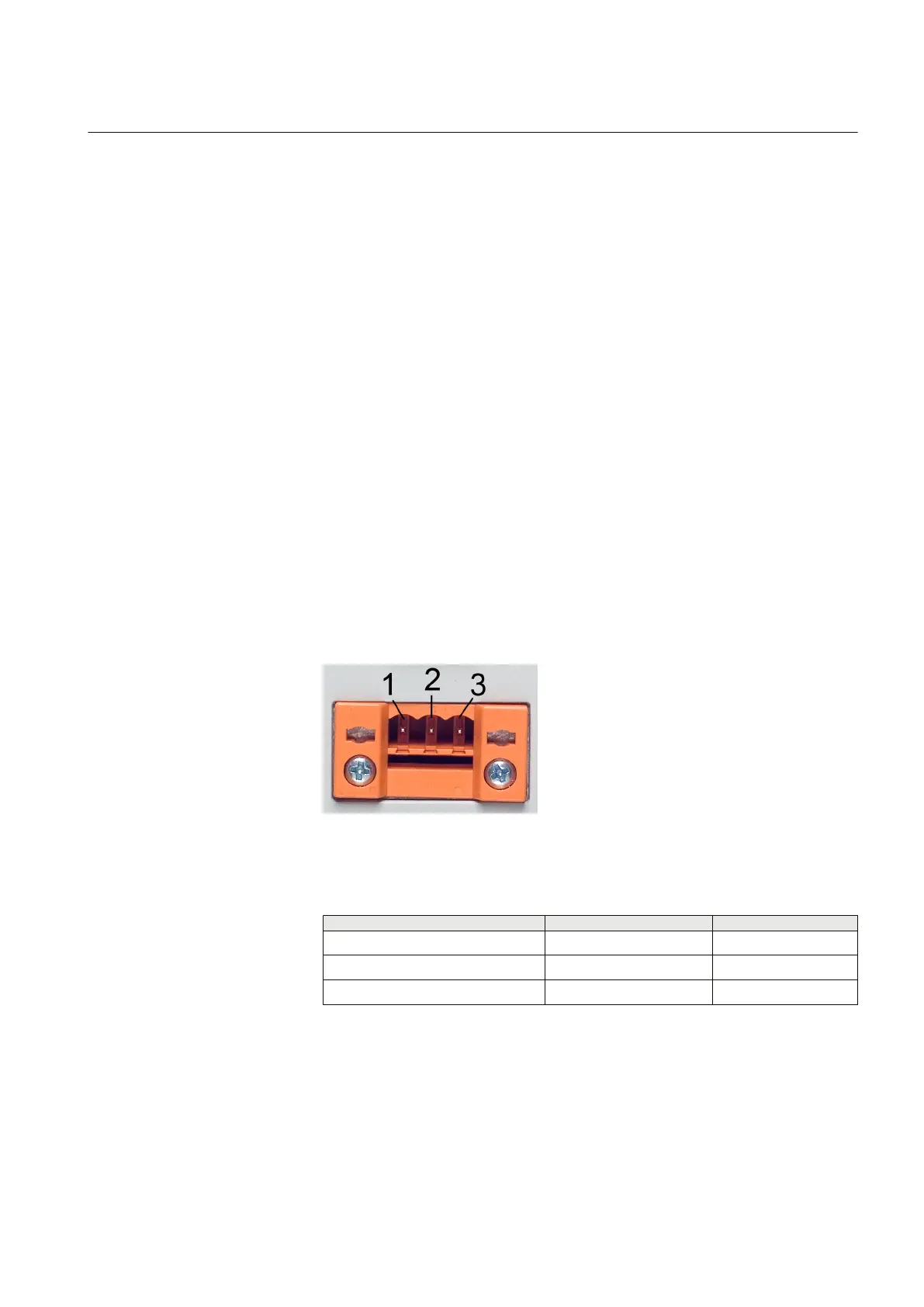
GUID-D27AEF47-655D-45B6-913C-AEBED9ED7DB1 V1 EN
Figure 9: Screw terminal of U
aux
connection
Table 2: Screw terminal connectors
Screw terminal
AC DC
1 L +
2
3 N -
2. Connect the earth of the WGA631 unit to the protective earth of the low
voltage compartment.
1MRS755551 B Section 5
Connecting
WGA631 17
Installation and commissioning manual



 To Next Page