GUID-1E7F8117-DF2B-4033-A3AD-CB71FAB97EB5 V1 EN
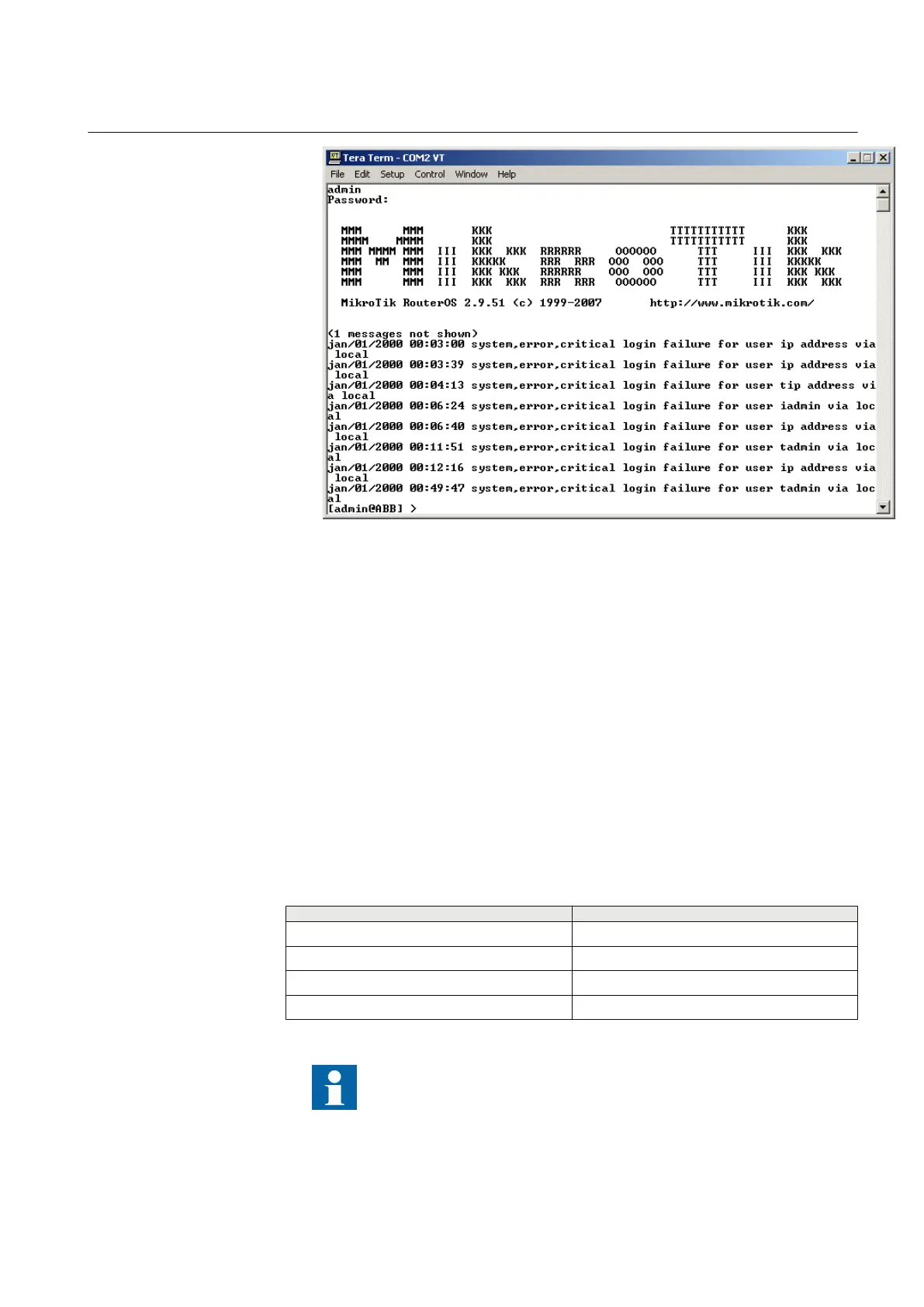
Figure 28: Entering user name and password
2. At the command prompt, type admin as the ABB Login and press Enter.
3. Leave the password empty and press Enter.
4. Download the Script-file configuration in WDS-Mode with predefined IP
addresses.
4.1. File.
4.2. Send.
4.3. Select the script file, for example WGA631_script_file_XY.txt, from a
folder or hard disk.
The terminal program allows you to control the downloading procedure. The final
description gives an overview of the current configuration.
6.2.3 Default IP addresses
Table 4: Default IP address configuration
LAN/WLAN
IP address
LAN-IP1 192.168.0.1
LAN-IP2 192.168.0.2
LAN-IP3 192.168.0.3
WLAN-IP 192.168.1.1
IP addresses can be changed.
1MRS755551 B Section 6
Configuring
WGA631 35
Installation and commissioning manual



 To Next Page