GUID-4855D9B5-E836-41E2-8DB7-A67997CD679F V1 EN
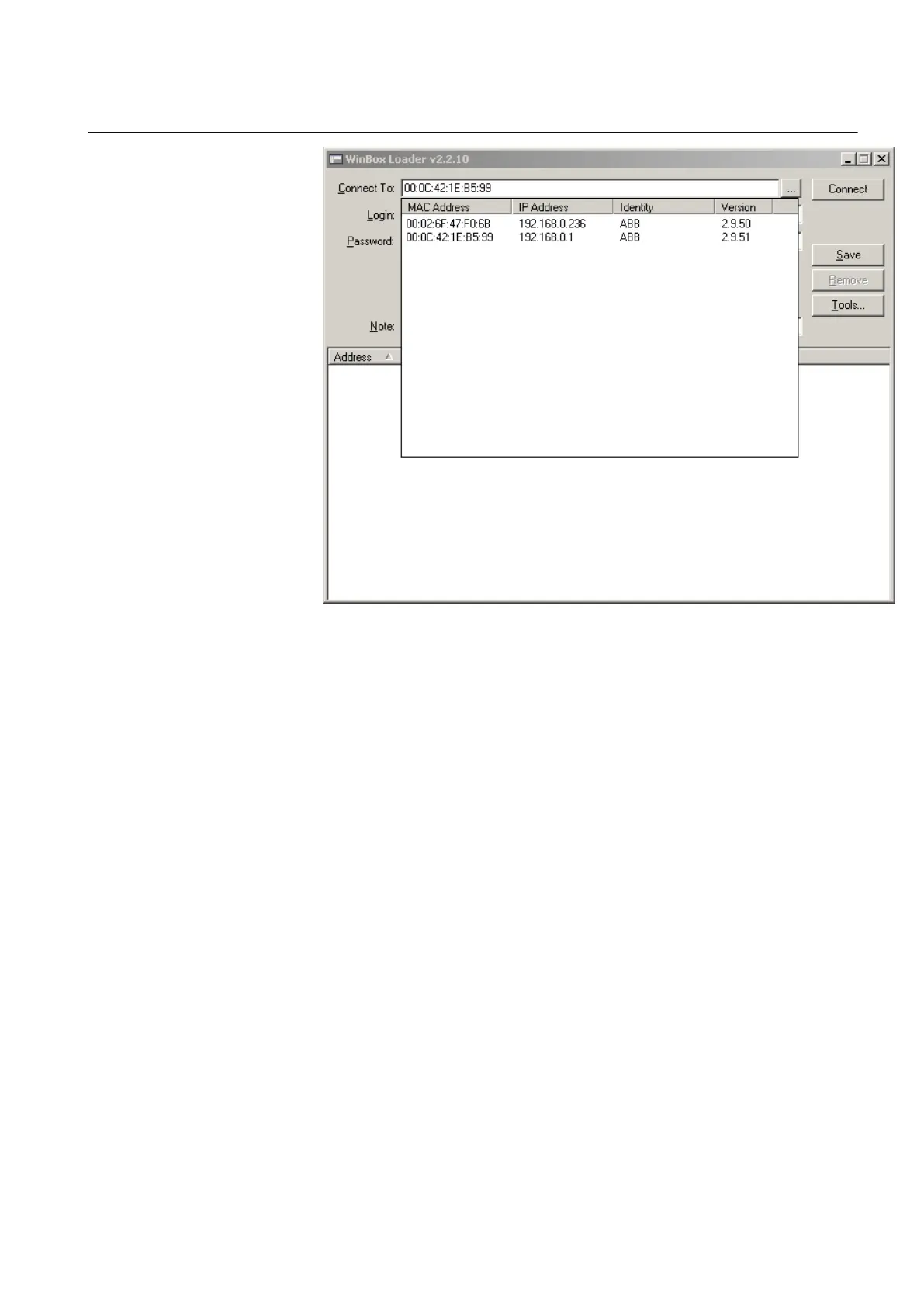
Figure 12: Available Ethernet units
The list shows all the available Ethernet units in the connected segment.
3. Select the WGA631 unit to be configured.
4. Click Connect to open the configuration window.
6.1.3 Configuring address and interface lists
1. Click Interfaces to check that the required interfaces ether1-3 and wlan1-3
are available.
2. Click IP and Addresses to check that the IP addresses are available.
1MRS755551 B Section 6
Configuring
WGA631 21
Installation and commissioning manual



 To Next Page