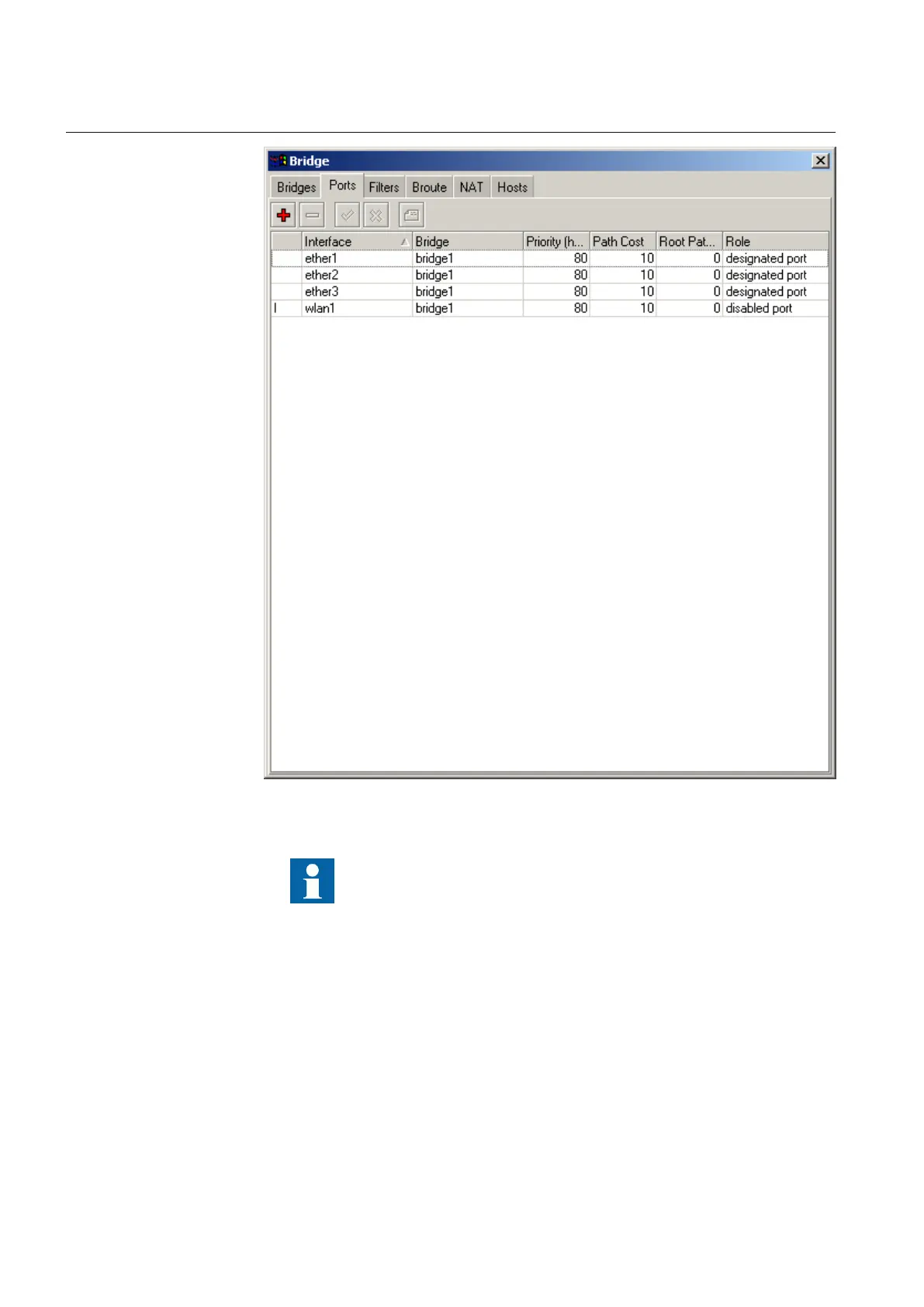
GUID-0DB118B5-4E17-43B1-8057-59762EA4B719 V1 EN
Figure 21: Example of bridge configuration
Repeat steps 3-7 to configure more Ethernet or WLAN ports.
6.1.5 Configuring wireless interface
1. Click Wireless.
2. Click the Wireless tab.
3. In the Mode list, click ap bridge to set the master's mode.
Apply the WLAN settings according to the figure.
Section 6 1MRS755551 B
Configuring
28 WGA631
Installation and commissioning manual



 To Next Page