GUID-769A9C88-499D-4365-90C7-CD68C4C4424F V1 EN
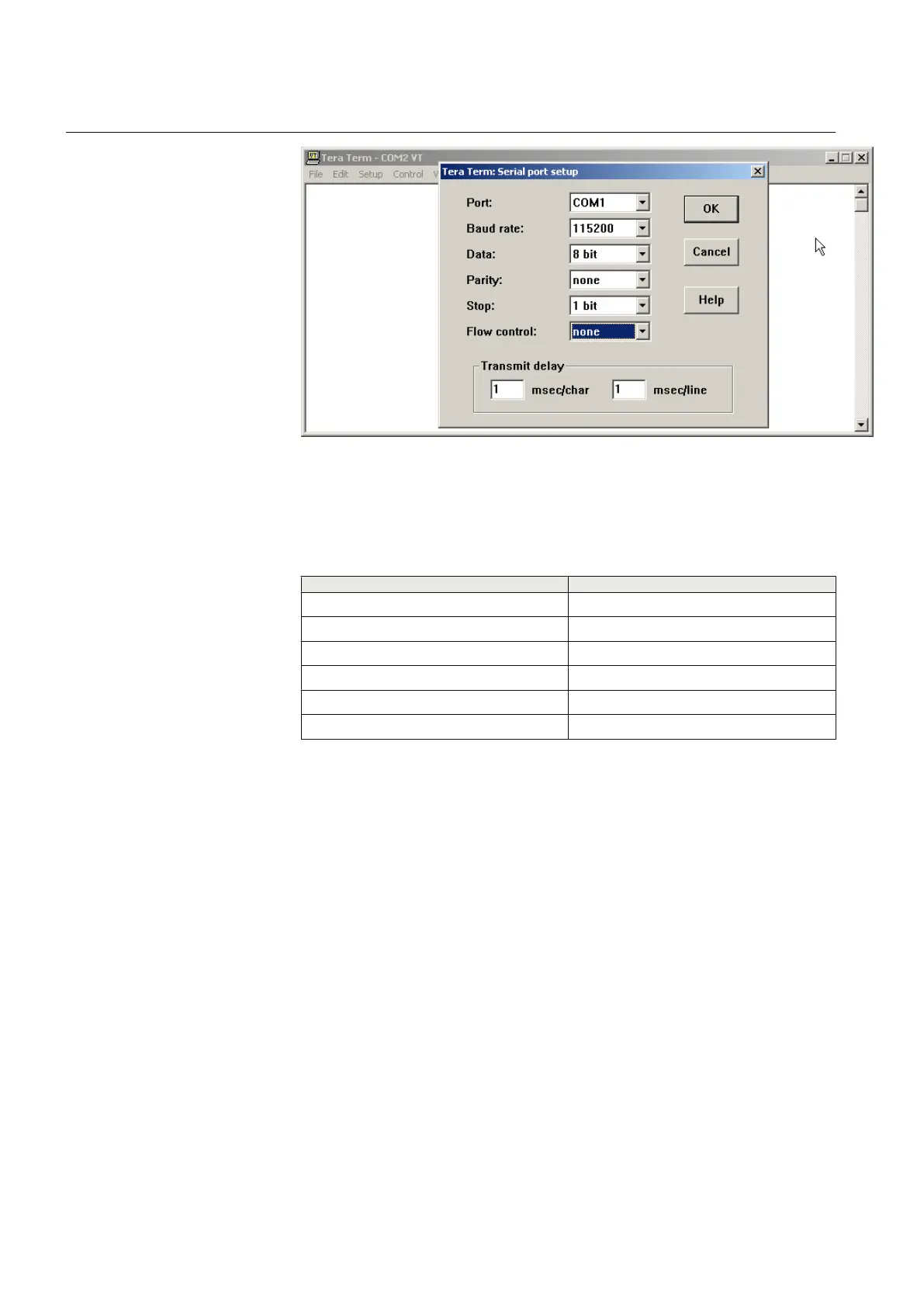
Figure 27: RS-232 settings
2. Open the terminal settings, for example with TeraTerm, and enter the correct
parameters.
Table 3: Example of the terminal program RS-232 settings
Description
Value
Port 1
Baud rate 115200
Data 8 bit
Parity none
Stop 1 bit
Flow control none
6.2.2 Logging in
1. Switch on the WGA631 unit to display the serial line prompt.
Section 6 1MRS755551 B
Configuring
34 WGA631
Installation and commissioning manual



 To Next Page