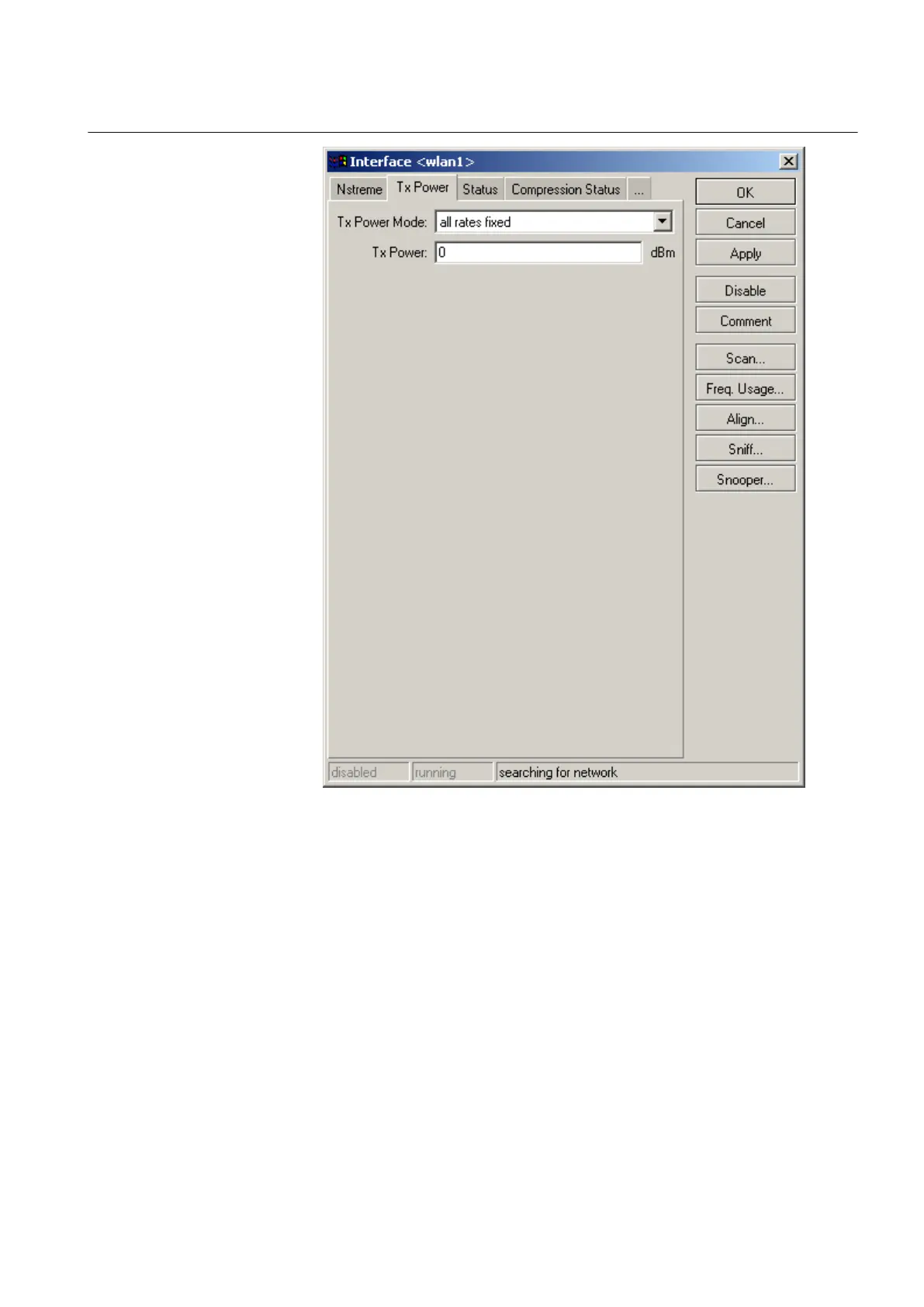
GUID-AEC065CA-A211-429E-95A7-7AB1252B7801 V1 EN
Figure 26: Setting Tx power
6.2 Configuring via serial interface
6.2.1 Configuring serial interface
1. Connect WGA631 to the serial line RS-232 interface of the service PC via a
null-modem cable and start the serial line tool.
1MRS755551 B Section 6
Configuring
WGA631 33
Installation and commissioning manual



 To Next Page