11
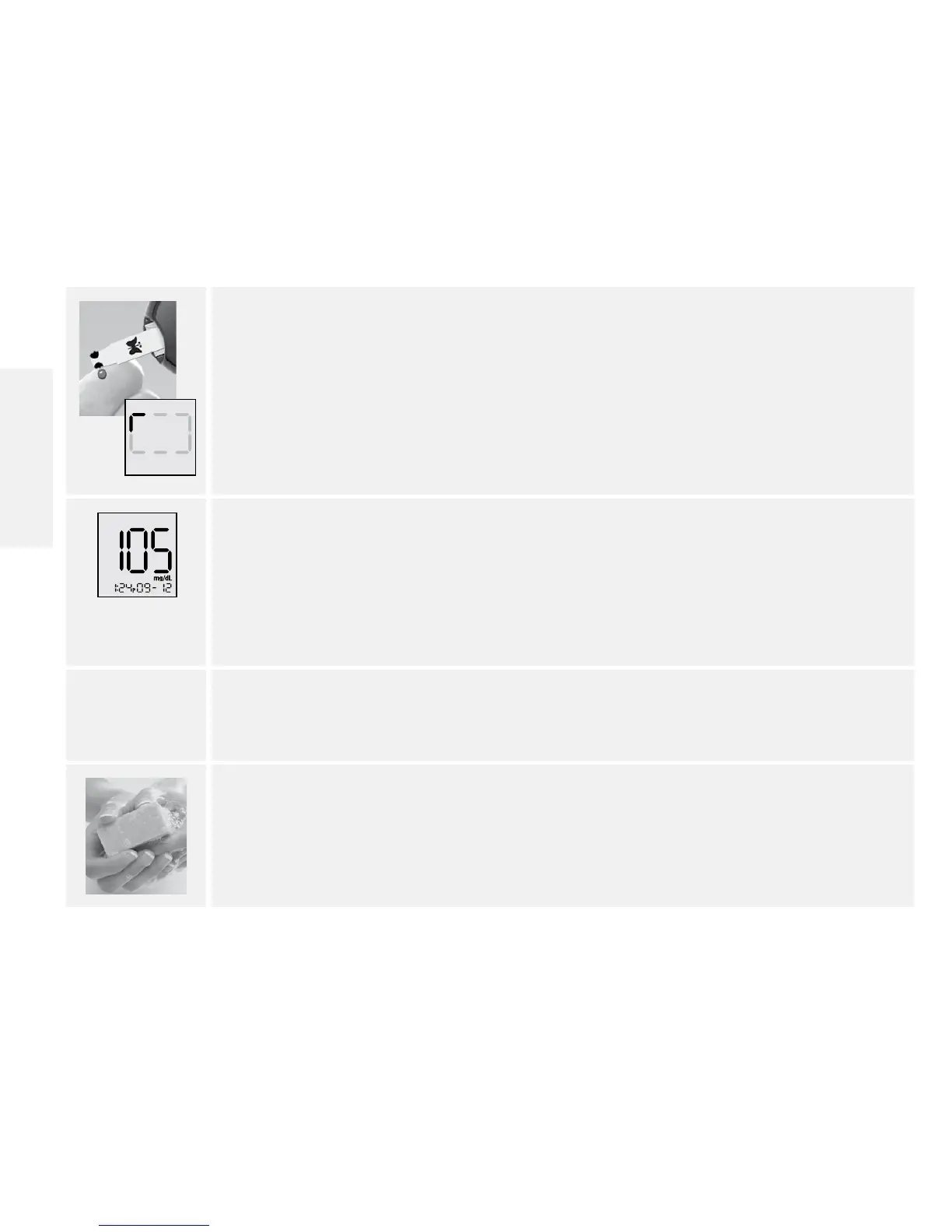
5. Apply and hold blood to 1 sample area of the test strip until:
• You see short lines moving clockwise on the display or
• You hear a beep
This indicates the test strip obtained enough blood and the meter is checking
your glucose level. If a short line does not appear after 5 seconds, the sample may
be too small. You can add blood to the same side only for up to 60 seconds. If the
test does not start after applying blood drop, go to Troubleshooting section.
(Example only)
6. View result
The result appears on the display when the test is complete. The time that the
meter takes to display a result depends on your blood glucose level. Higher
glucose levels require more time.
Note: If you see an “Er1, Er2, Er3, or Er4” on the display, it is an error code. Go to
Error Codes section.
7. Remove test strip to turn meter o.
Discard used lancet and test strip properly.
8. Wash your hands and test site thoroughly with warm water and soap after
handling the meter, lancing device or test strips.
Contact Customer Care Toll Free at 1-888-522-5226 www.MyFreeStyle.com
English















 To Next Page