EasyManua.ls Logo

Abbott FreeStyle - Setting Alarm Sound Volume; Transferring Test Results To a Computer

Abbott FreeStyle
78 pages
Print Icon
To Next Page IconTo Next Page
To Previous Page IconTo Previous Page
Loading...
29
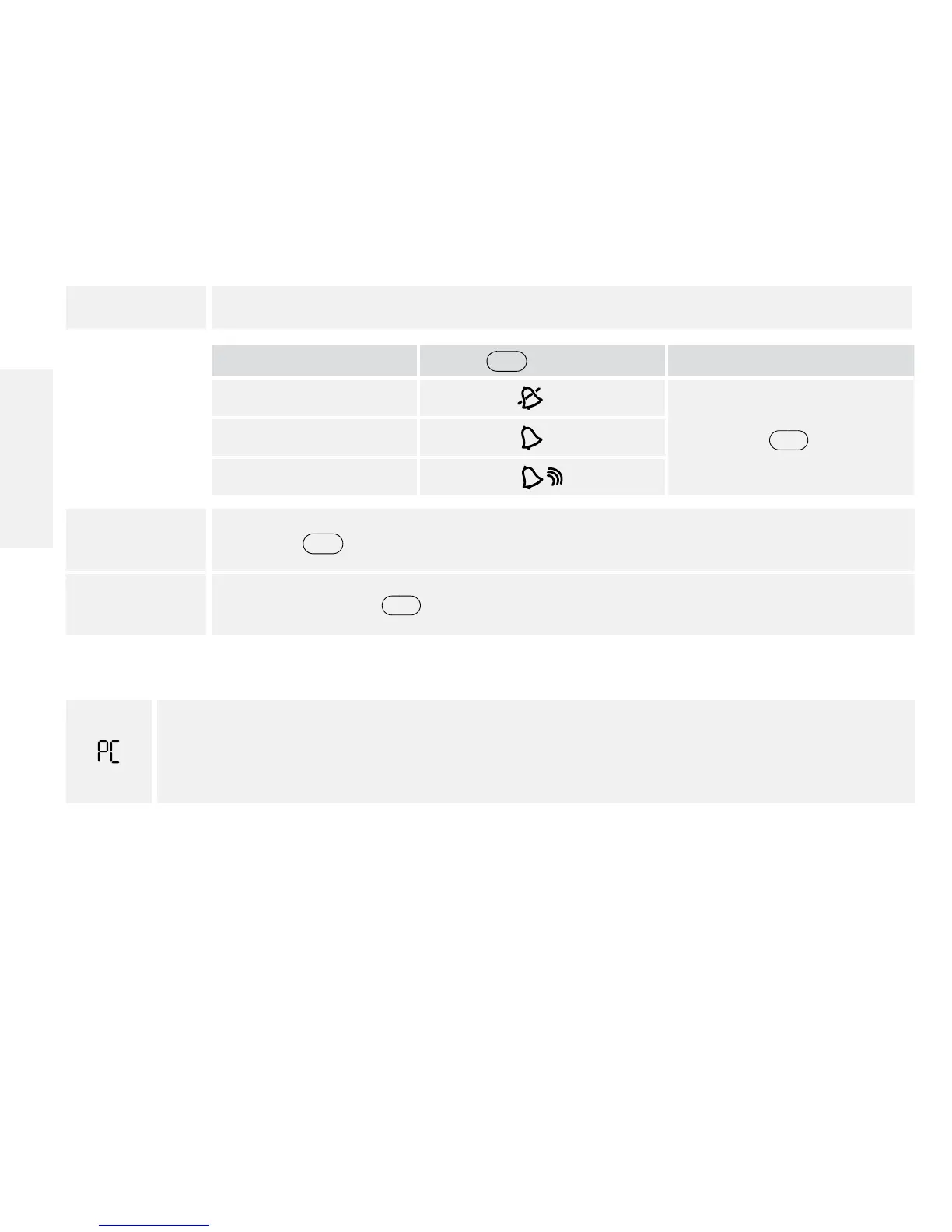
5. Set alarm sound volume
If you prefer:
Press
c
until you see:
Then
No sound
Press
m
to save
A low beep
A louder beep
6. Press
c
and repeat 2, 3, 4 and 5 to set remaining reminder alarms or
7. Press and hold
m
for 3 seconds until meter turns o.
Transferring Test Results To a Computer
appears on the display when you insert a data cable in the data port. The computer
must have a compatible data management system to complete the transfer. Remove
this cable before performing a test.
Contact Customer Care to learn more about the data management system.
Contact Customer Care Toll Free at 1-888-522-5226 www.MyFreeStyle.com
English


Table of Contents

Other manuals for Abbott FreeStyle

Related product manuals