25
(Example only)
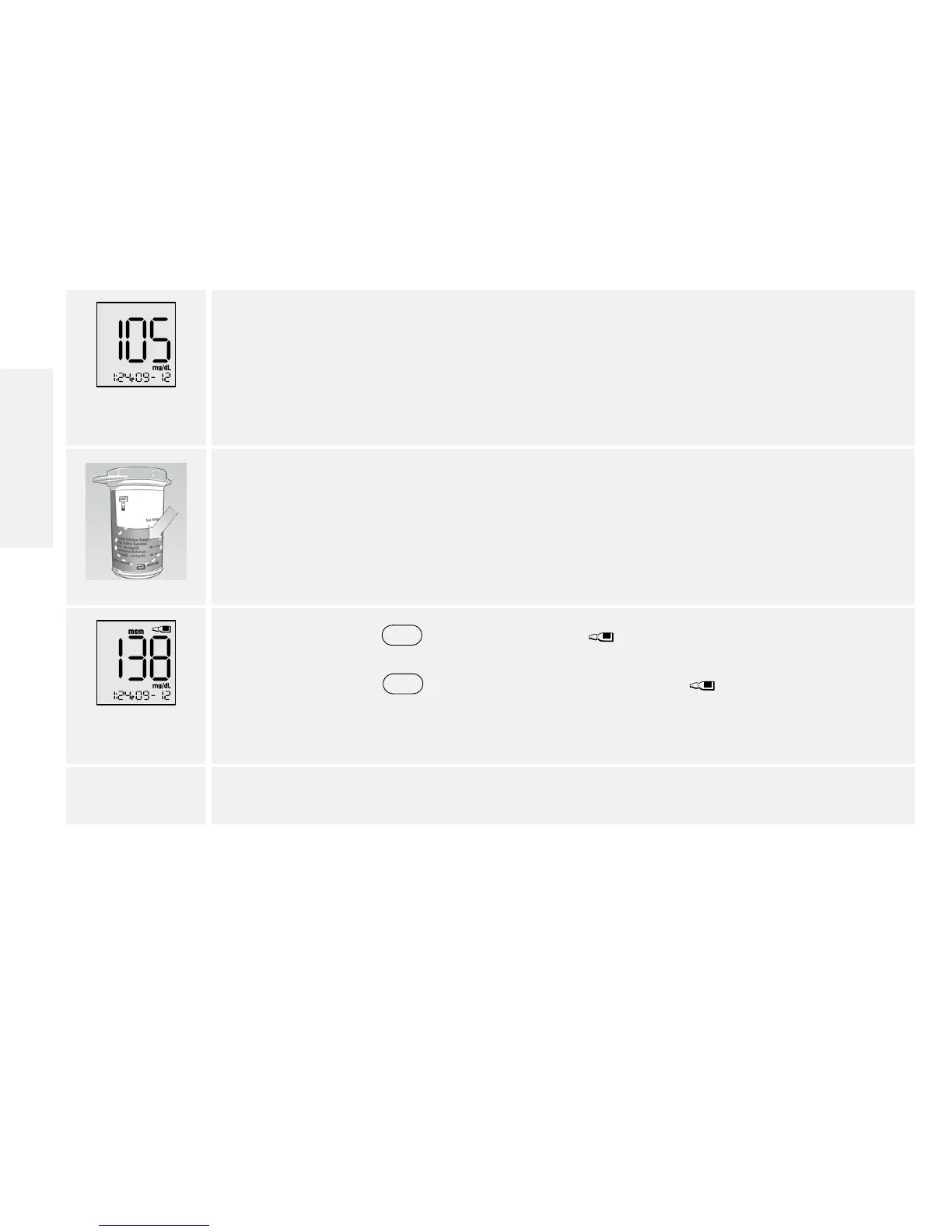
6. View result.
The result appears on the display when the test is complete.
7. Compare the control solution result to the range printed on the test strip vial.
The result should fall within the range.
Note: If you see an “Er1, Er2, Er3, or Er4” on the display, it is an error code. Go to
Error Codes section.
(Example only)
8. Press and hold
for 2 seconds until appears on the display to mark
the result as a control solution result. To unmark a control solution test result,
press and hold
for 2 seconds. A value with the indicates you have
marked this reading as a control solution test.
9. Remove the test strip to turn meter o.
Contact Customer Care Toll Free at 1-888-522-5226 www.MyFreeStyle.com
English















 To Next Page