Setting Up
Your Monitor
Month:
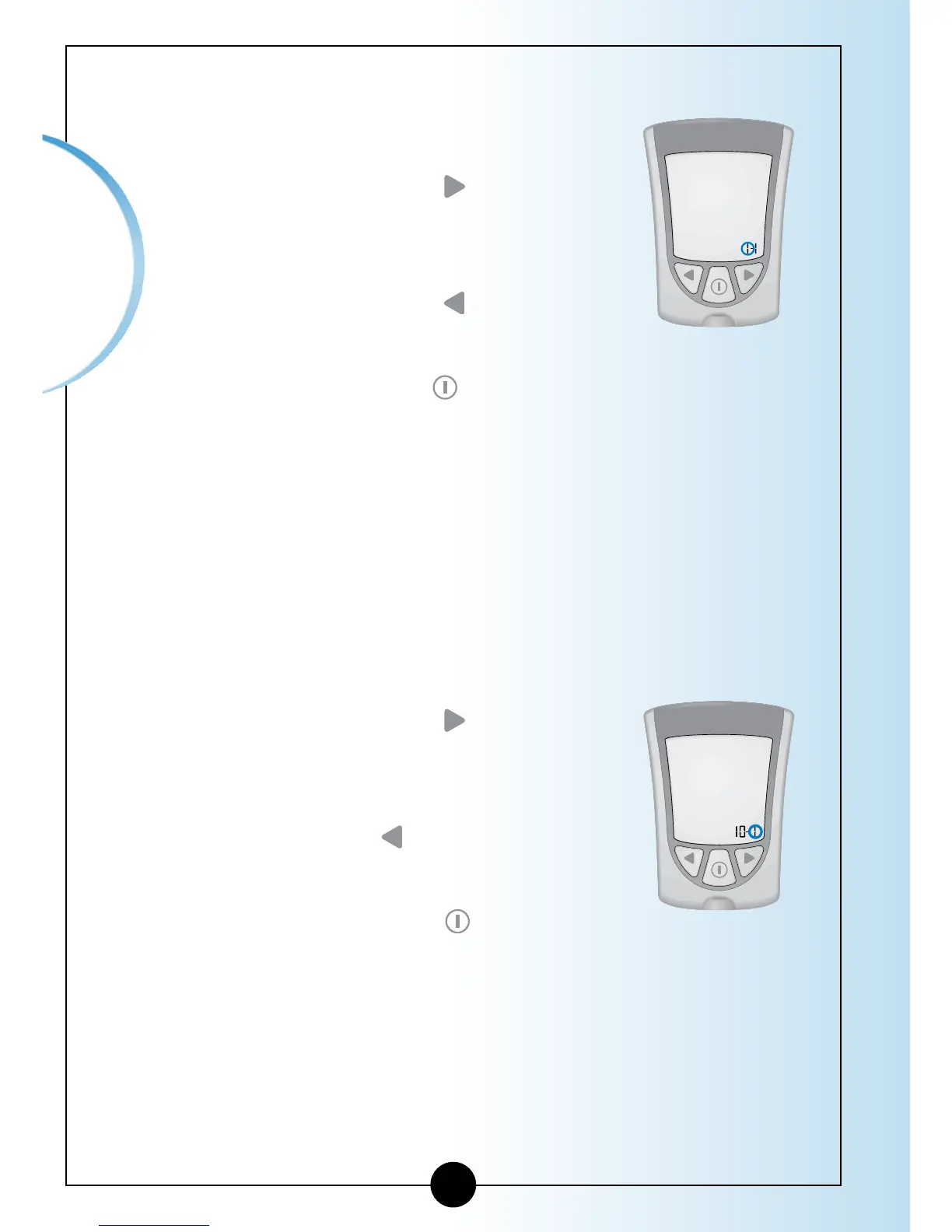
The Month flashes on and off.
1
Press and Release the button to
move the month forward.
2
If you go past the correct month,
Press and Release the
button to
move the month back.
3
Press and Release the
button to save
the month and to move to Set Day.
Day:
The Day flashes on and off.
1
Press and Release the button to
move the
day forward.
2
If you go past the correct day, Press
and Release the
button to move
the day back.
3
Press and Release the
button to
save the day and to move to Set
Time Format.
11















 To Next Page