3-4 IP35 Pro
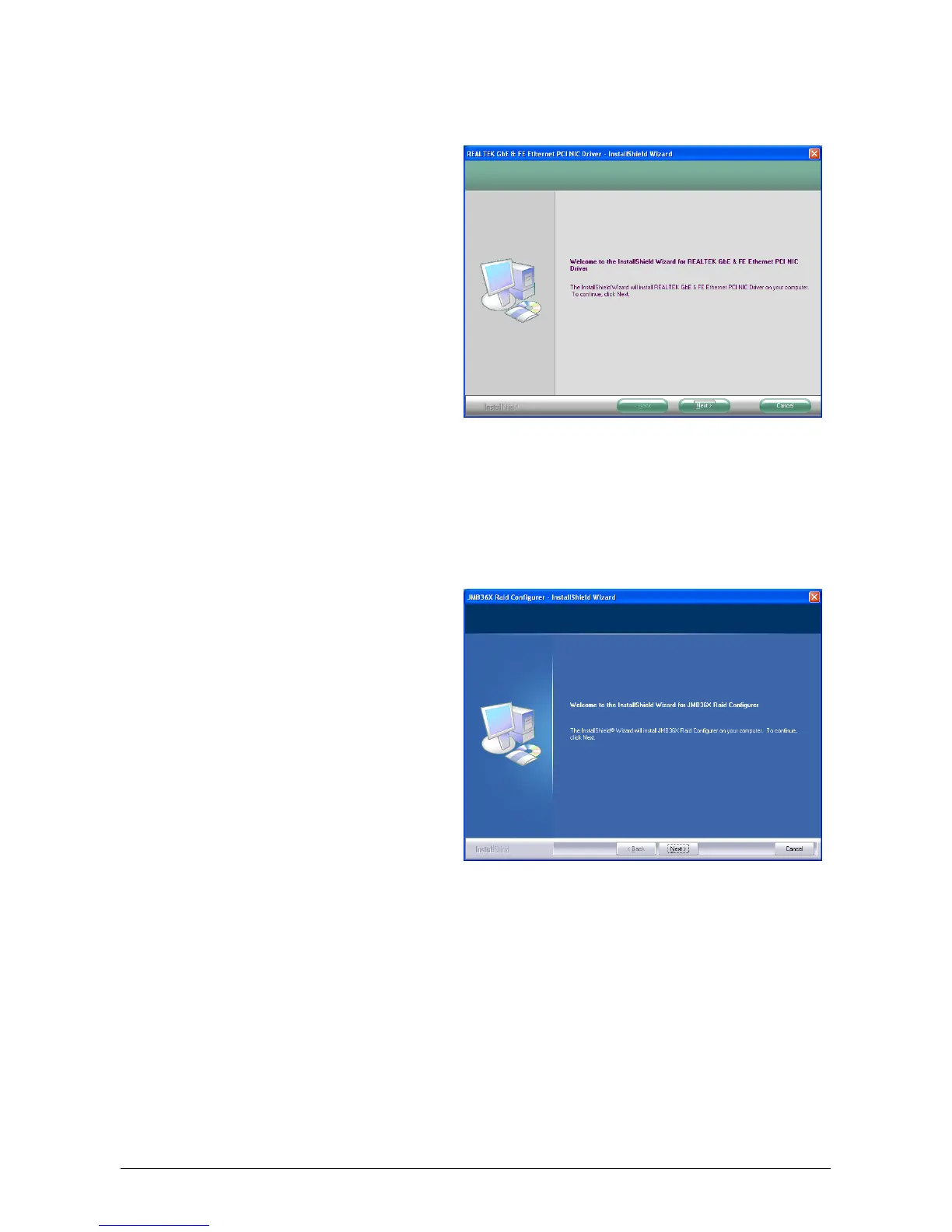
3.5 LAN Driver
To install this program:
1. Click on the [Drivers] tab in the
installation menu screen.
2. Click the [LAN Driver] item. The
installation screen appears.
3. Follow the prompts on the screen to
complete installation.
3.6 JMicron SATA Driver
This driver provides functionality for the onboard SATA RAID Controller.
※ This driver installation is necessary for the devices connected through
connectors “eSATA1” or “IDE1”.
To install this program:
1. Click on the [Drivers] tab in the
installation menu screen.
2. Click the [JMicron SATA Driver] item.
The installation screen appears.
3. Follow the prompts on the screen to
complete installation.
3.7 USB 2.0 Driver
※ There is no need to install this driver for Windows 2000 with Service Pack 4,
Windows XP with Service Pack 1, or their later version.



 To Next Page