3-20 Chapter 3
Onboard Parallel Port:
Sets the I/O address and IRQ of the onboard parallel port. Four options are available: Disabled
378/IRQ7 278/IRQ5 3BC/IRQ7. Default setting is 378/IRQ7.
Parallel1 Port Mode:
Four options are available: SPP EPP ECP ECP+EPP. The default setting is ECP+EPP mode.
EPP Mode Select:
Two options are available: EPP1.7 EPP1.9. The default setting is EPP 1.9. When the mode selected
for the parallel port mode is EPP, the two EPP version options are available.
ECP Mode Use DMA:
Two options are available: 1 3. The default setting is 3. When the mode selected for the parallel port
mode is ECP, the DMA channel selected can be Channel 1 or Channel 3.
For NF7-S2/NF7-S2G:
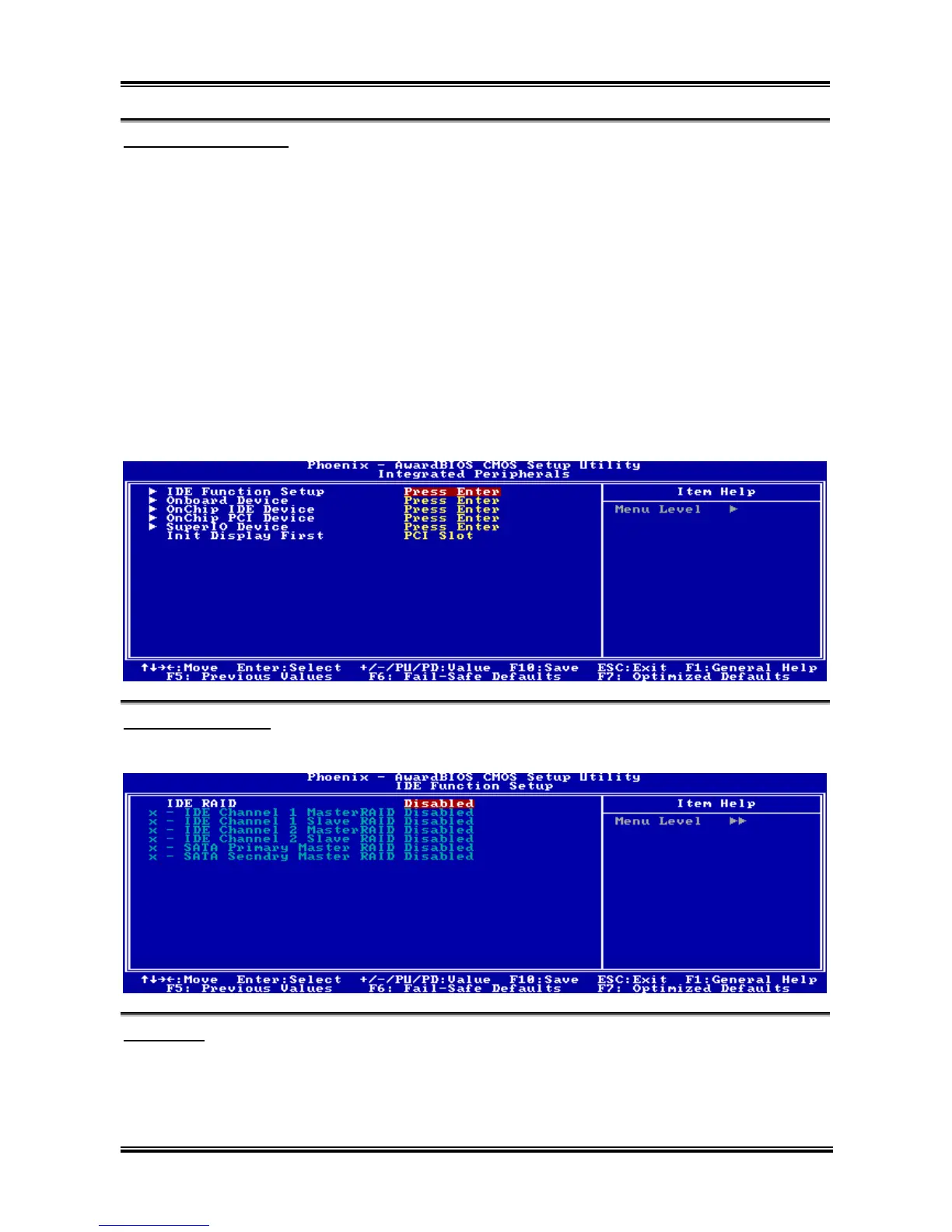
IDE Function Setup:
Click <Enter> key to enter its submenu:
IDE RAID:
This item allows you to enable or disable the IDE RAID function.
IDE Channel 1/2 Master/Slave RAID, SATA Primary/Secondary Master RAID:
Select the disks that you want to use as RAID disks.
NF7 Series



 To Next Page