E-2 Appendix E
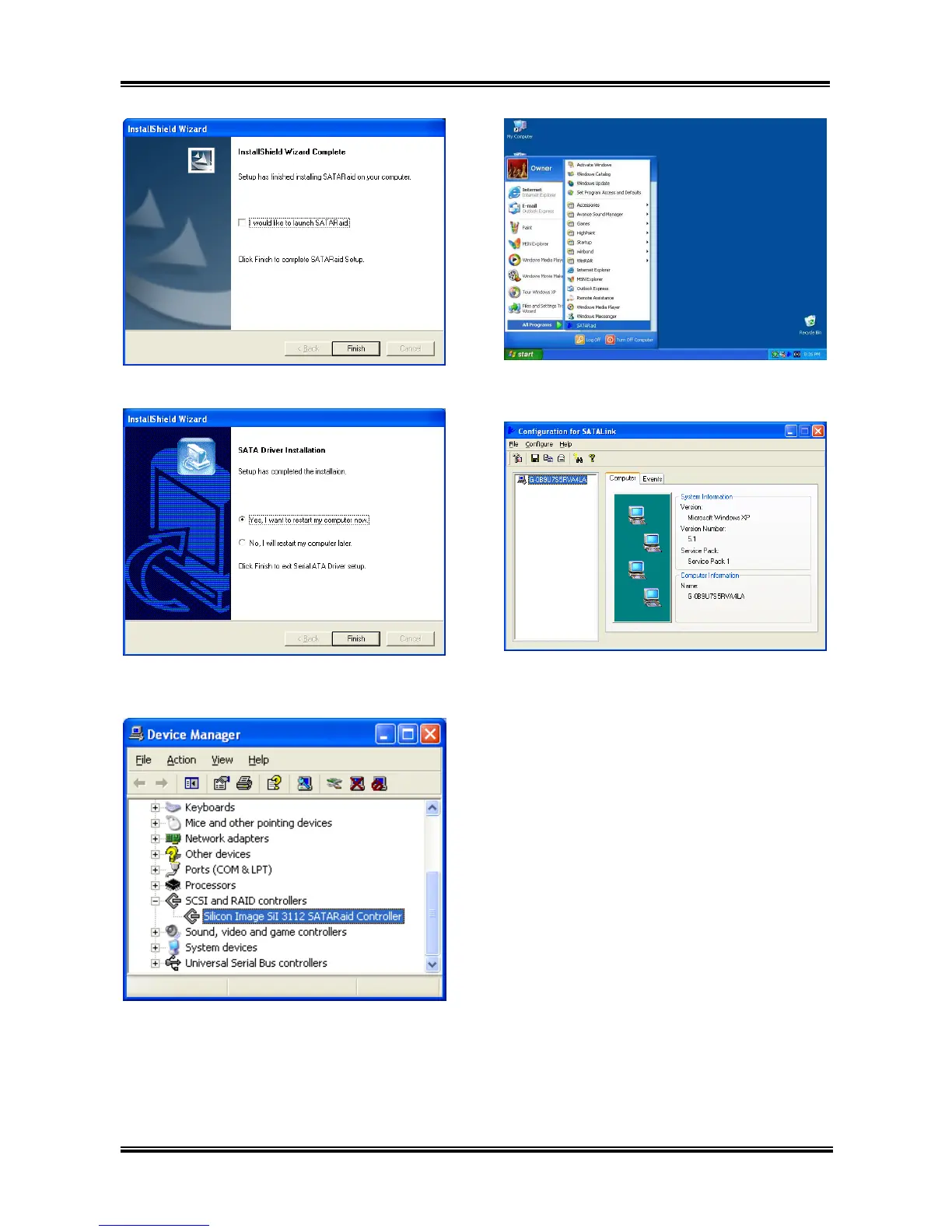
6. Click [Finish].
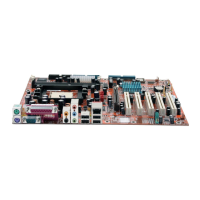
7. Choose [Yes, I want to restart my computer
now.], and click [Finish] to complete setup.
8. Check [Device Manager]. [Silicon Image
SiI 3112 SATARaid Controller] is successfully
installed.
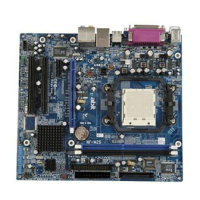
9. To run the [SATARaid] application, click
[Start] [All Programs] [SATARaid].
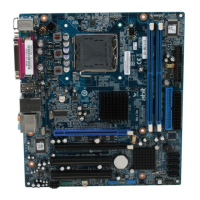
10. This is the SATALink configuration menu.
For more information on how to operate, please
refer to the “Help” menu.
NF7 Series



 To Next Page