ATA Installation Utility for the Windows
®
NT 4.0 Server / Workstation G-3
User’s Manual
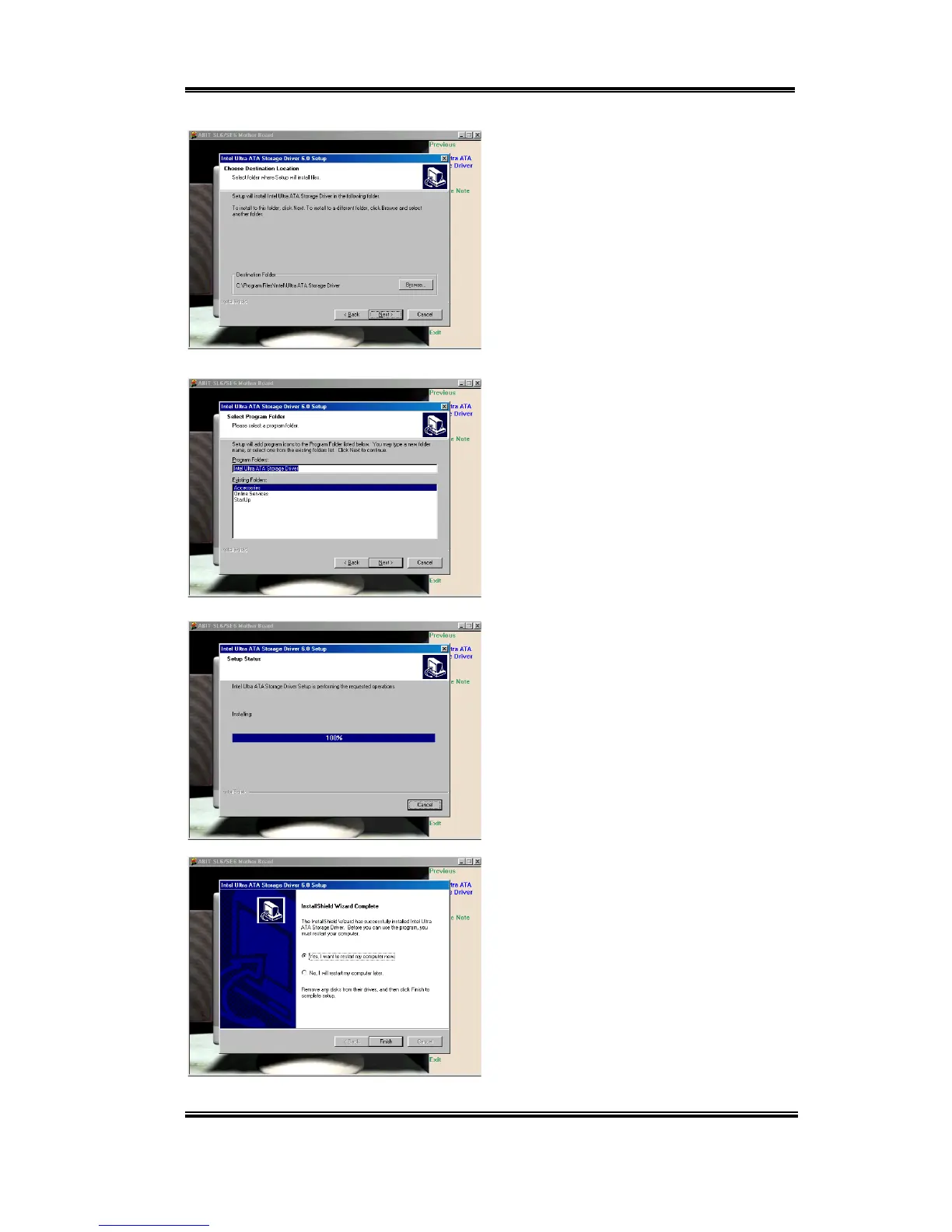
Now you can choose the folder for the
destination location you want to install the
driver. We suggest you use the default
folder as the destination. When you have
decided on the destination, click “Next”.
Now you can choose the program folder.
Setup will add program icons to those
program folders listed. Click “Next” to go
on.
The system will now start to install the
drivers. While doing so, it will display the
percentage installed on the screen.
When installation is complete, please
choose the item: “Yes, I want to restart my
computer now”. Then click the “Finish”
button to restart your computer to finish the
system Ultra ATA updating.



 To Next Page