Hardware Monitoring Function (Installing the Winbond Hardware Doctor Utility) M-3
User’s Manual
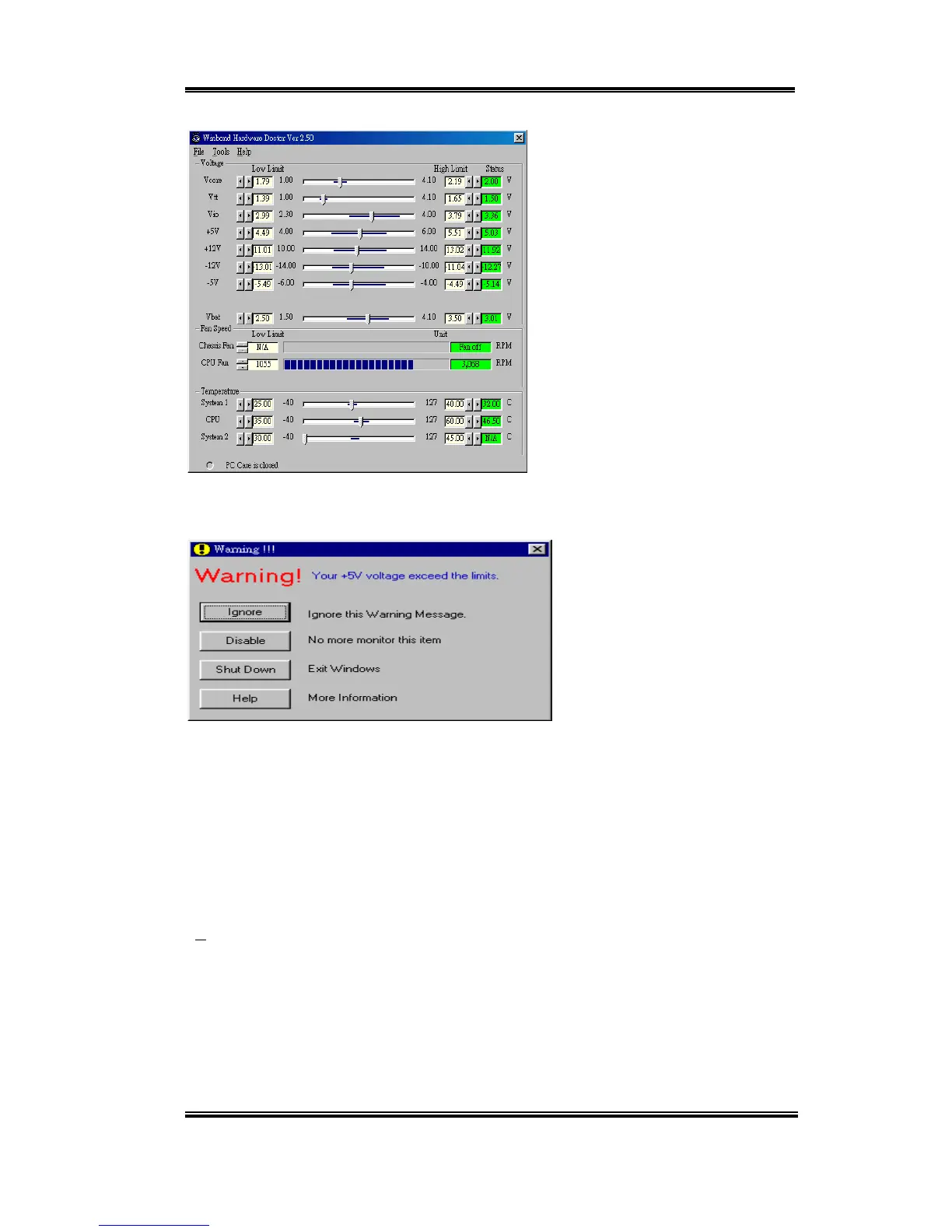
Step 6. This screen will appear. You
will see voltages, fan speeds and
temperature readings as well. If any
item readings are critical or over their
limitations, the reading will turn red.
Also, a pop-up window will appear to
warn you the system has a problem!
The figure below shows the warning message window.
Ignore: You can ignore the warning message of the item, but it will pop up again when
an error of the same item reoccurs.
Disable: The chosen item will be no longer monitored thereafter, unless you activate it in
the "Configuration" page.
Shutdown: Choosing this button will shutdown the computer.
Help: You can read more information and self-diagnose simple problems.
If the warning message pops up due to the wrong warning limit, you can adjust it in the
“Configuration” option. For example if you set the temperature high limit to 40
°
C, you will
easily exceed the “proper” temperature.



 To Next Page