3-2 Chapter3
SL6
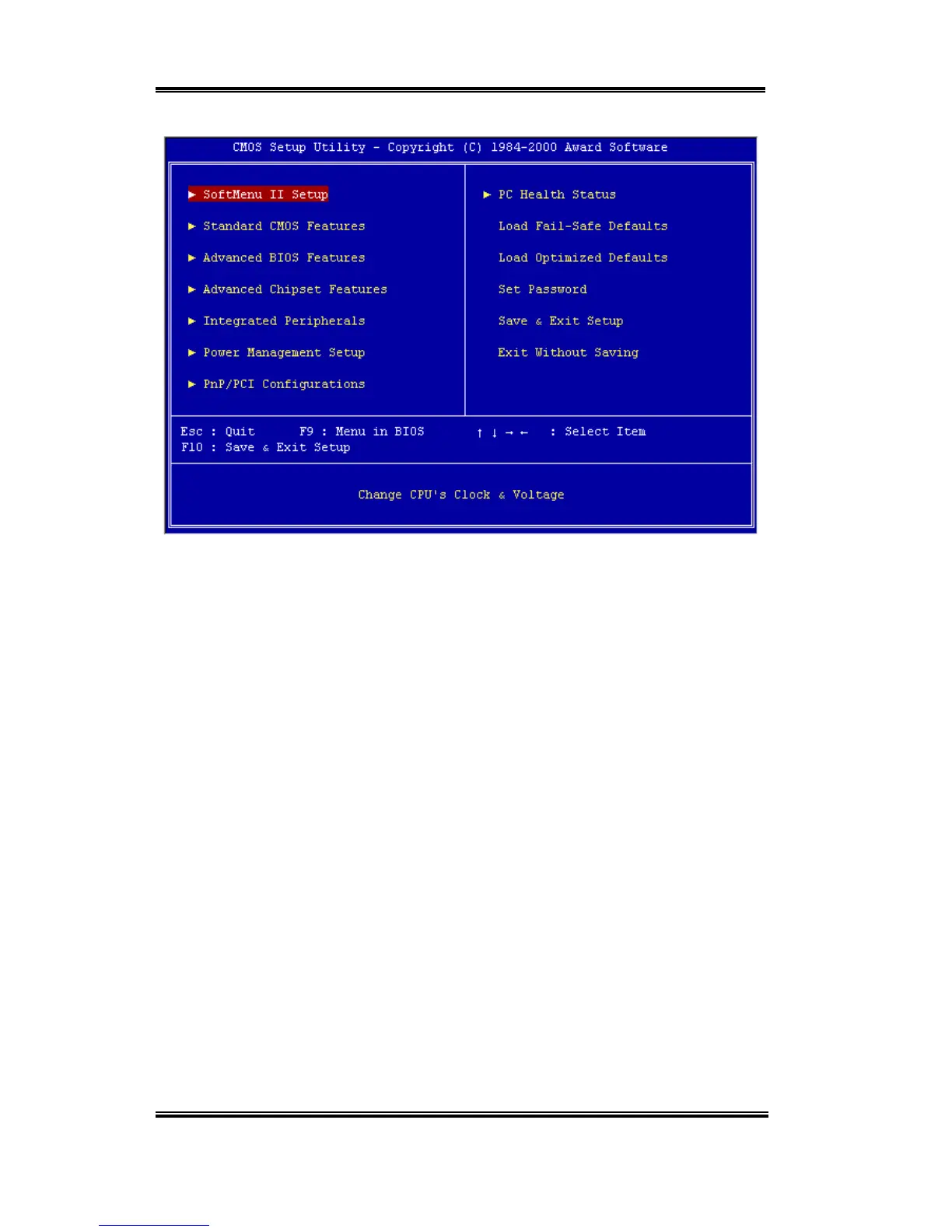
Figure 3-1. CMOS Setup Utility
In the BIOS Setup main menu of Figure 3-1, you can see several options. We will explain
these options step by step in the following pages of this chapter, but let us first see a short
description of the function keys you may use here:
! Press Esc to quit the BIOS Setup.
! Press
↑↓←→
(up, down, left, right) to choose, in the main menu, the option you want
to confirm or to modify.
! Press F10 when you have completed the setup of BIOS parameters to save these
parameters and to exit the BIOS Setup menu.
! Press Page Up/Page Down or +/- keys when you want to modify the BIOS parameters for
the active option.



 To Next Page