BIOS Setup 3-33
User’s Manual
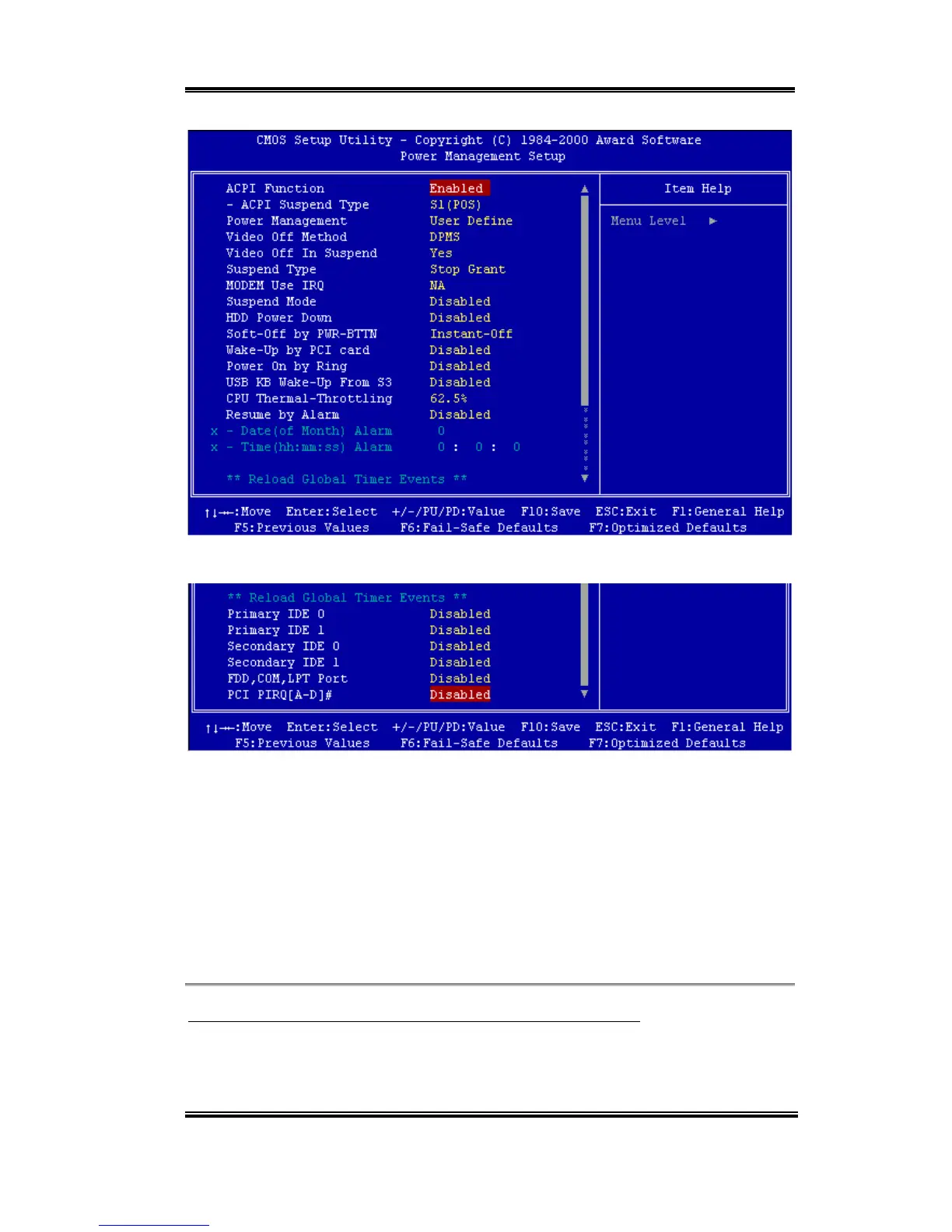
Figure 3-7A. Power Management Setup Main Menu
Figure 3-10. Power Management Setup Lower Screen Shot
2. Use the arrow keys to go to the item you want to configure. To change the settings, use
,,- and Enter key.
3. After you have configured the power management feature, press Esc to go back to the
Main Menu.
We are now going to briefly explain the options in this menu:
ACPI Function (Advanced Configuration and Power Interface):
ACPI gives the operating system direct control over the power management and Plug and
Play functions of a computer.



 To Next Page