BIOS Setup 3-43
User’s Manual
For example, if you want to move your hard disk to another computer and don’t want to
re-install Windows
®
NT, then you can specify the IRQ for the device installed on the new
computer to fit the original computer settings.
Note
If you specify the IRQ in this item, then you cannot specify the same IRQ to the ISA
bus, otherwise, it will cause a hardware conflict.
This feature is for the operating system which will record and fix the PCI configuration
status, if you want to change it.
For the relations between the hardware layout of PIRQ (the signals from the 810E chipset),
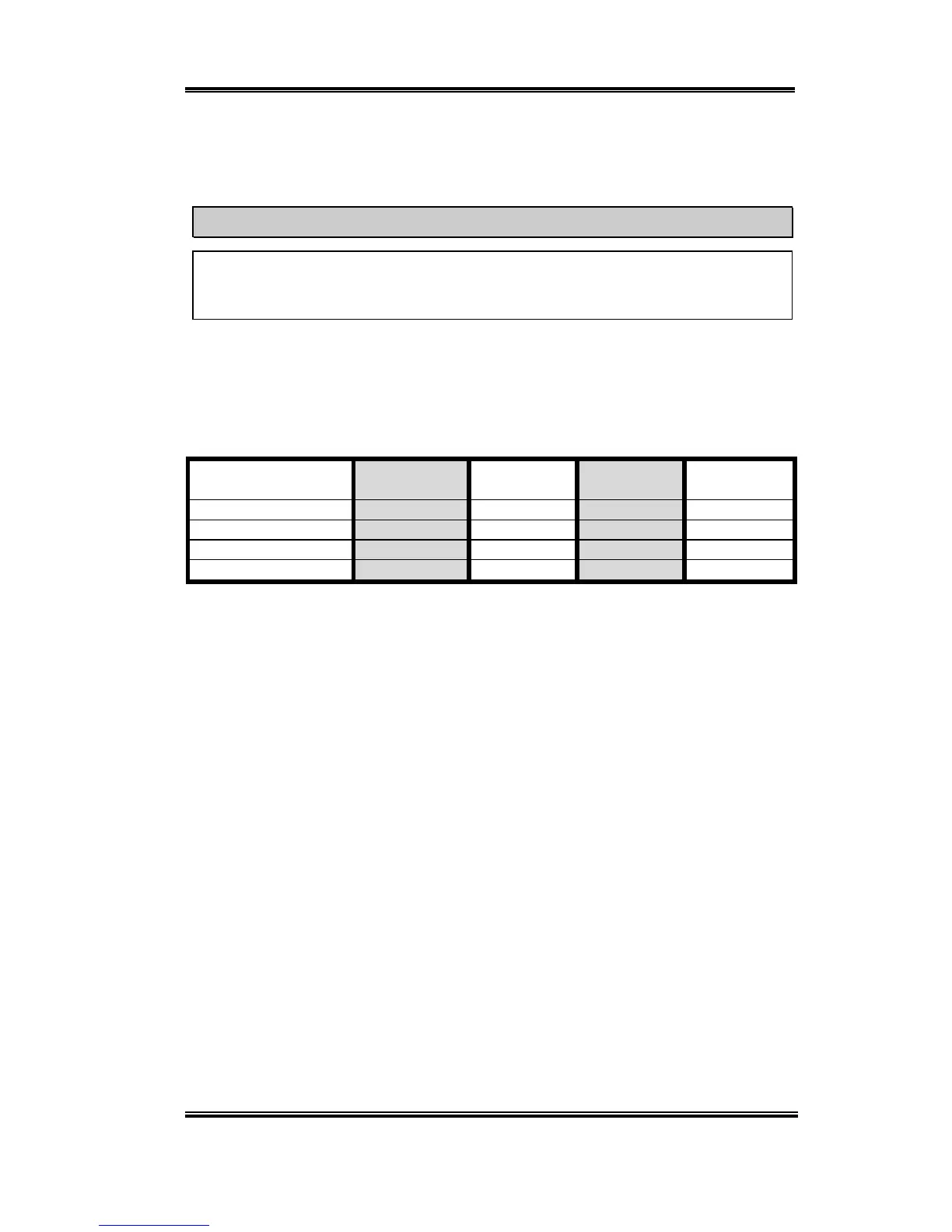
INT# (means PCI slot IRQ signals) and devices, please refer to the table below:
Signals
PCI slot 1
PCI slot 6
PCI slot 2
PCI slot 3 PCI slot 4
PCI slot 5
PIRQ_0 INT A INT B INT C INT D
PIRQ_1 INT B INT C INT D INT A
PIRQ_2 INT C INT D INT A INT B
PIRQ_3 INT D INT A INT B INT C
! Each PCI slot has four INT#s (INT A~INT D).



 To Next Page