ATA Installation Utility for Windows
®
98 SE D-3
User’s Manual
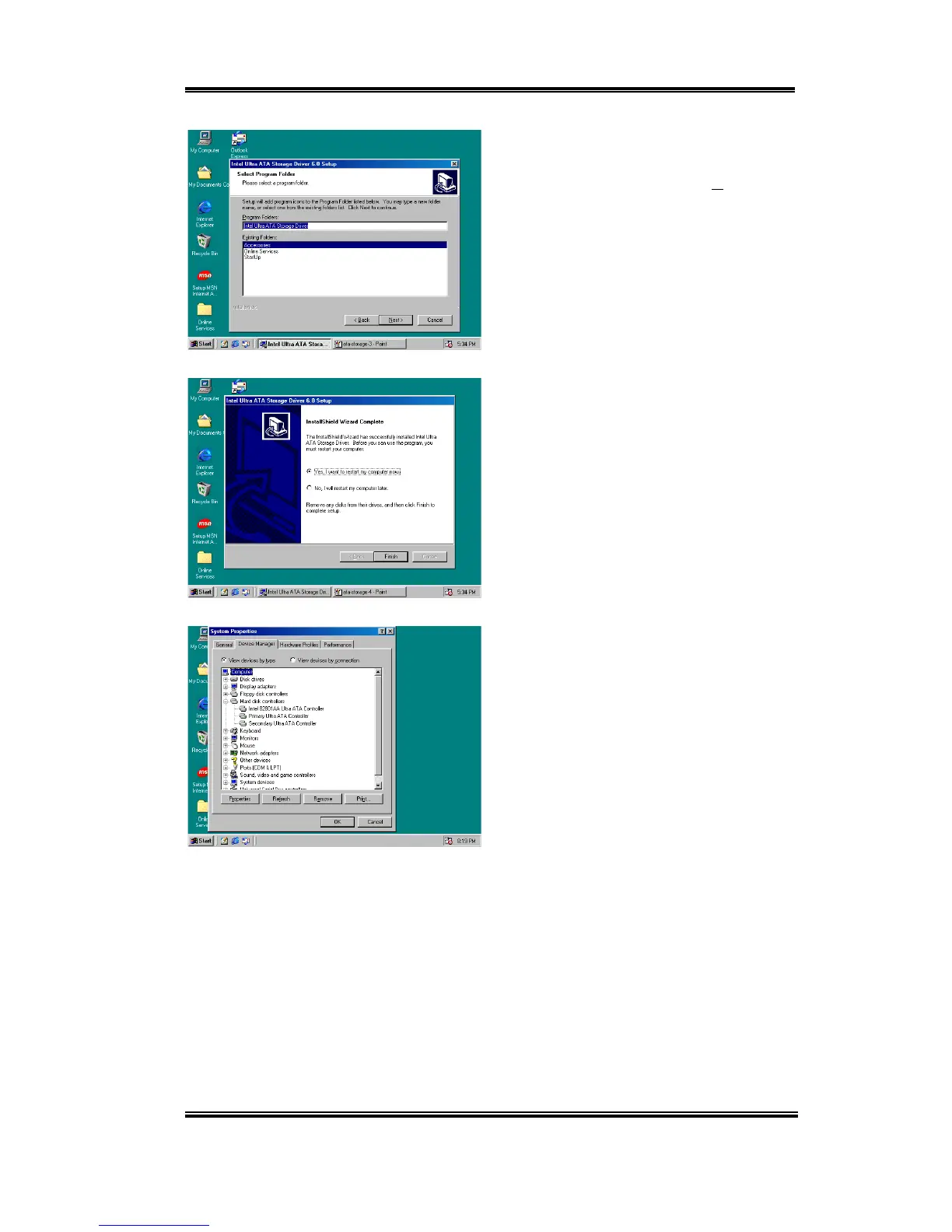
Now you can choose the program folder.
Setup will add program icons to those
program folders listed. Click "Next" to go
on.
When installation is complete please choose
the item: "Yes, I want to restart my
computer now". Then click the "Finish"
button to restart your computer to finish the
system Ultra ATA updating.
When your computer system restarts, will
see Windows
®
98 SE start the updating
process and several new hardware devices
will be found and updated. When restarting
Windows
®
98 SE, the CD-ROM drives will
fail to be found in the updating process. If
the prompt dialogue box asks you to put the
Windows
®
98 SE CD into the CD-ROM
drive, just ignore this message and let it go
to the next process.



 To Next Page