E-2 Appendix E
SL6
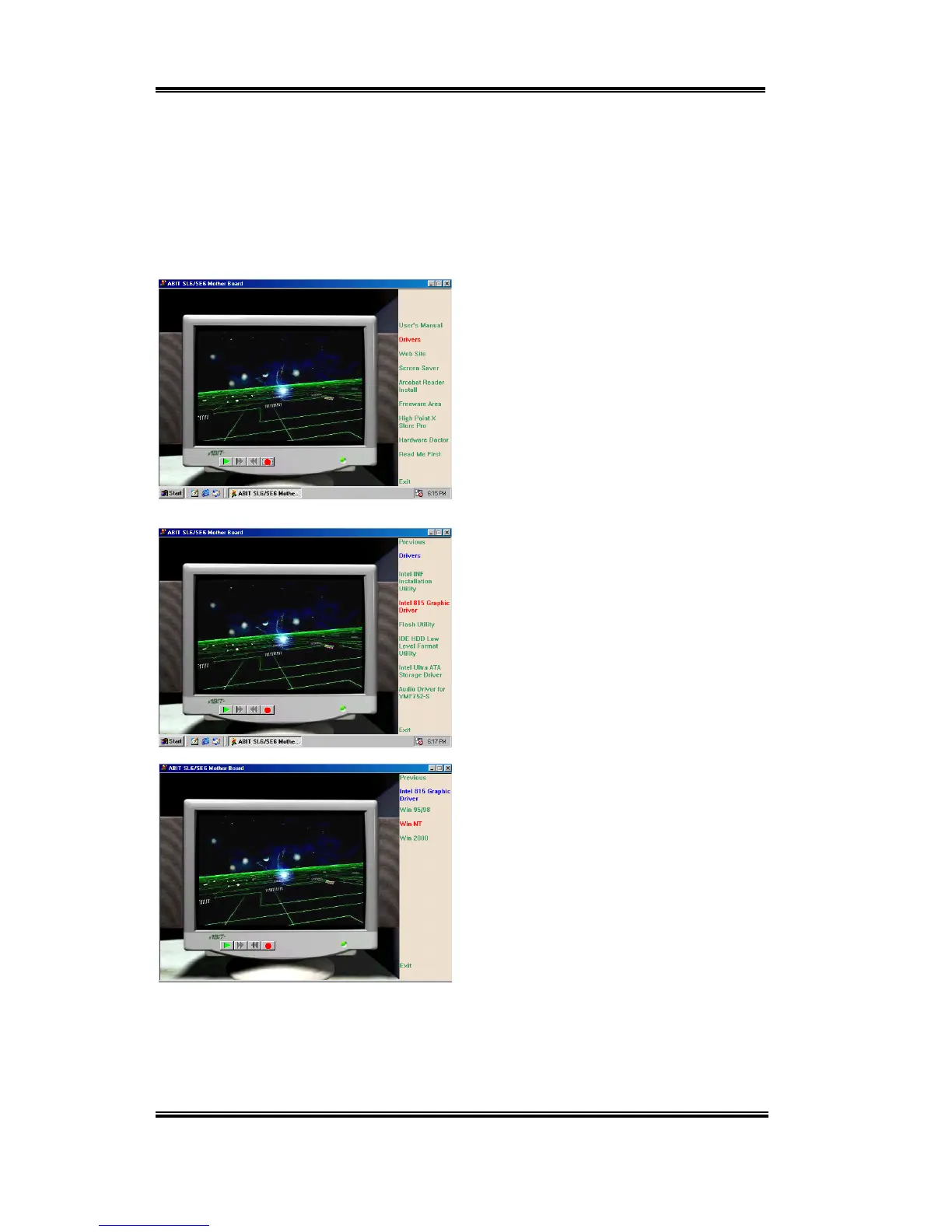
Leave "Display Properties" and insert the SL6 CD-Title into your CD-ROM drive. It should
execute the program automatically. If not, you can go to the CD location and execute the
execution file from the main directory of this CD-Title. After it is executed, you will see the
screen below.
Move the cursor to "Drivers" and click on it.
This will bring you to the next screen.
Move the cursor to "Intel 815 Graphic
Driver" and click on it. Go to the next
screen.
Move the cursor to "For Windows NT" and
click on it. Go to the next screen.



 To Next Page