J-2 Appendix J
VL6
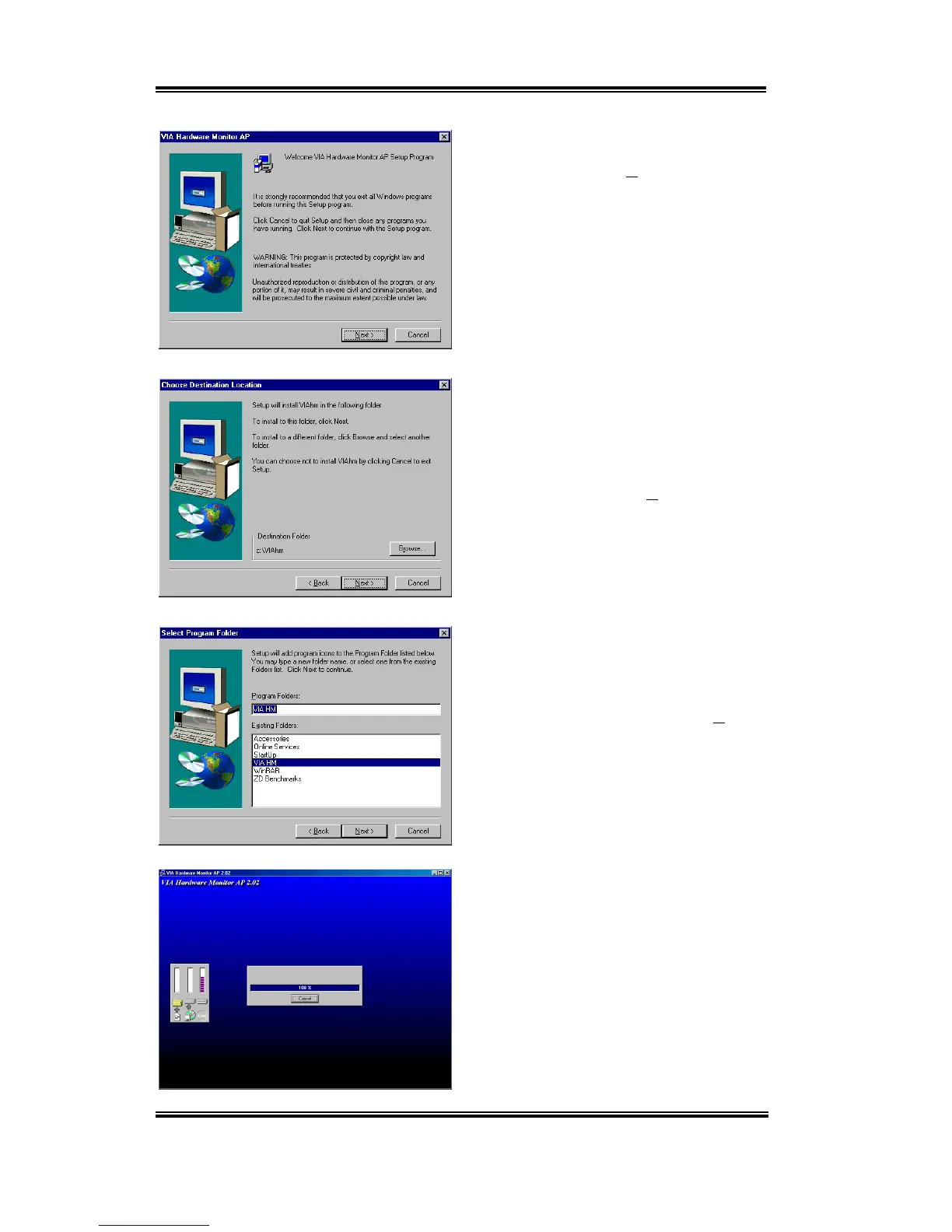
The “
Welcome
” screen and its dialogue box
will appear. Click the “
Next>
” button to go
on.
Now you can choose the folder for the
destination location you want to install the
drivers. We suggest you use the default
folder as the destination location. After
checking the folder click “
Next>
” button.
You can choose the name of the program
folder. We suggest you use the default
program folder name. After checking the
program folder name then click “
Next
>”
button.
Program will start to install drivers system
need.
The installer will show the install progress
percentage.



 To Next Page