3-30 Chapter 3
VL6
3-7.
PNP/PCI Configurations Setup Menu
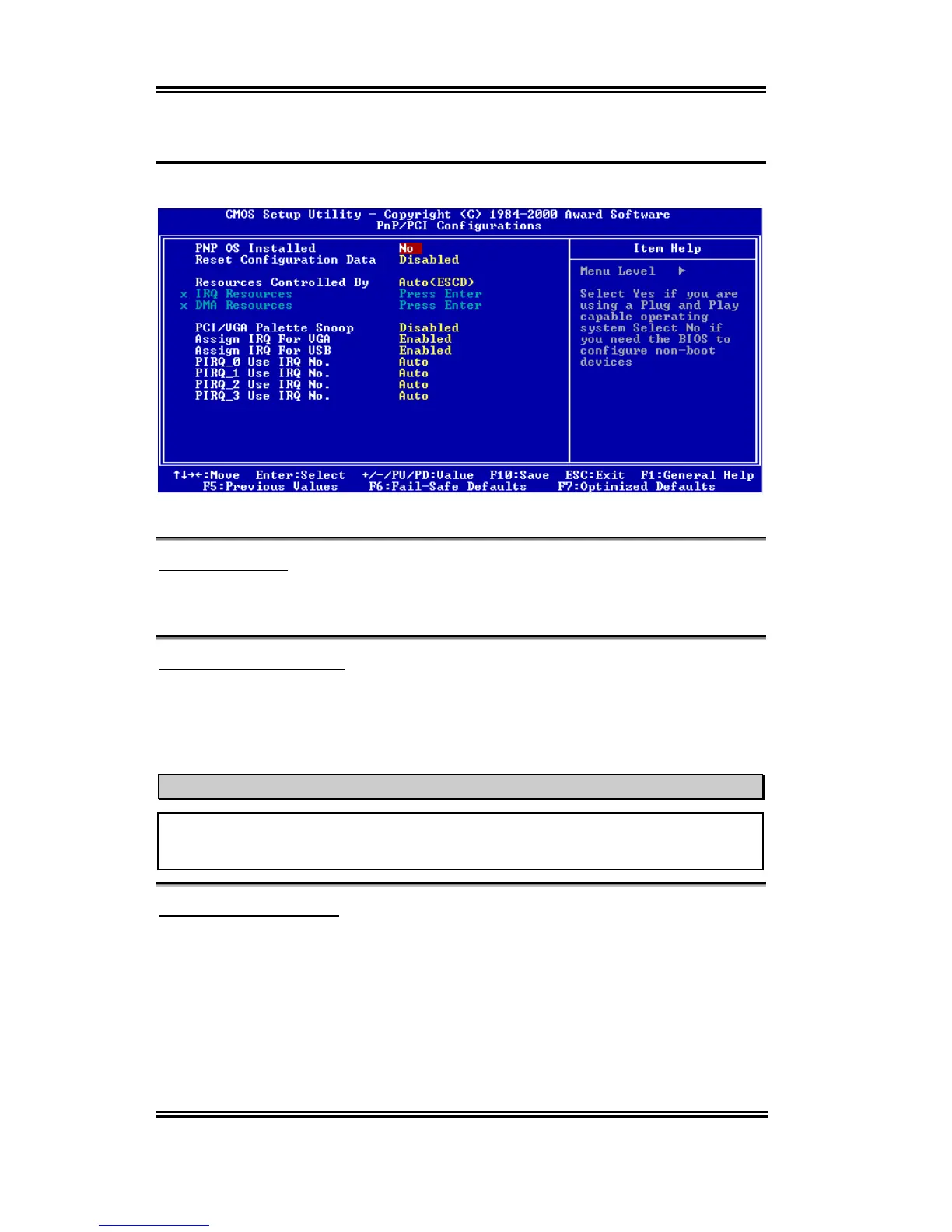
In this menu, you can change the INT# and IRQ of the PCI bus and other hardware settings.
Figure 3-8A. PNP/PCI Configurations Setup Menu
PNP OS Installed:
Device resource assigned by PnP OS or BIOS. Two items available: Yes or No. The default
setting is
No
.
Reset Configuration Data:
Two options are available: Disabled or Enabled. The default setting is
Disabled
. Normally,
you leave this field Disabled. Select Enabled to reset Extended System Configuration Data
(ESCD) when you exit Setup if you have installed a new add-on and the system
reconfiguration has caused such a serious conflict that the operating system cannot boot.
Computer Knowledge: ESCD (Extended System Configuration Data)
The ESCD contains the IRQ, DMA, I/O port, memory information of the system. This is
a specification and a feature specific to the Plug & Play BIOS.
Resources Controlled By:
When resources are controlled manually, assign each system interrupt as one of the
following types, depending on the type of device using the interrupt:
Legacy ISA
devices compliant with the original PC AT bus specification, requiring a specific
interrupt (such as IRQ4 for serial port 1).
PCI/ISA
PnP
devices compliant with the Plug and Play standard, whether designed for the
PCI or ISA bus architecture.
Two options are available: Auto (ESCD) or Manual. The default setting is
Auto (ESCD)
.



 To Next Page