Introduction of the BIOS 3-31
User’s Manual
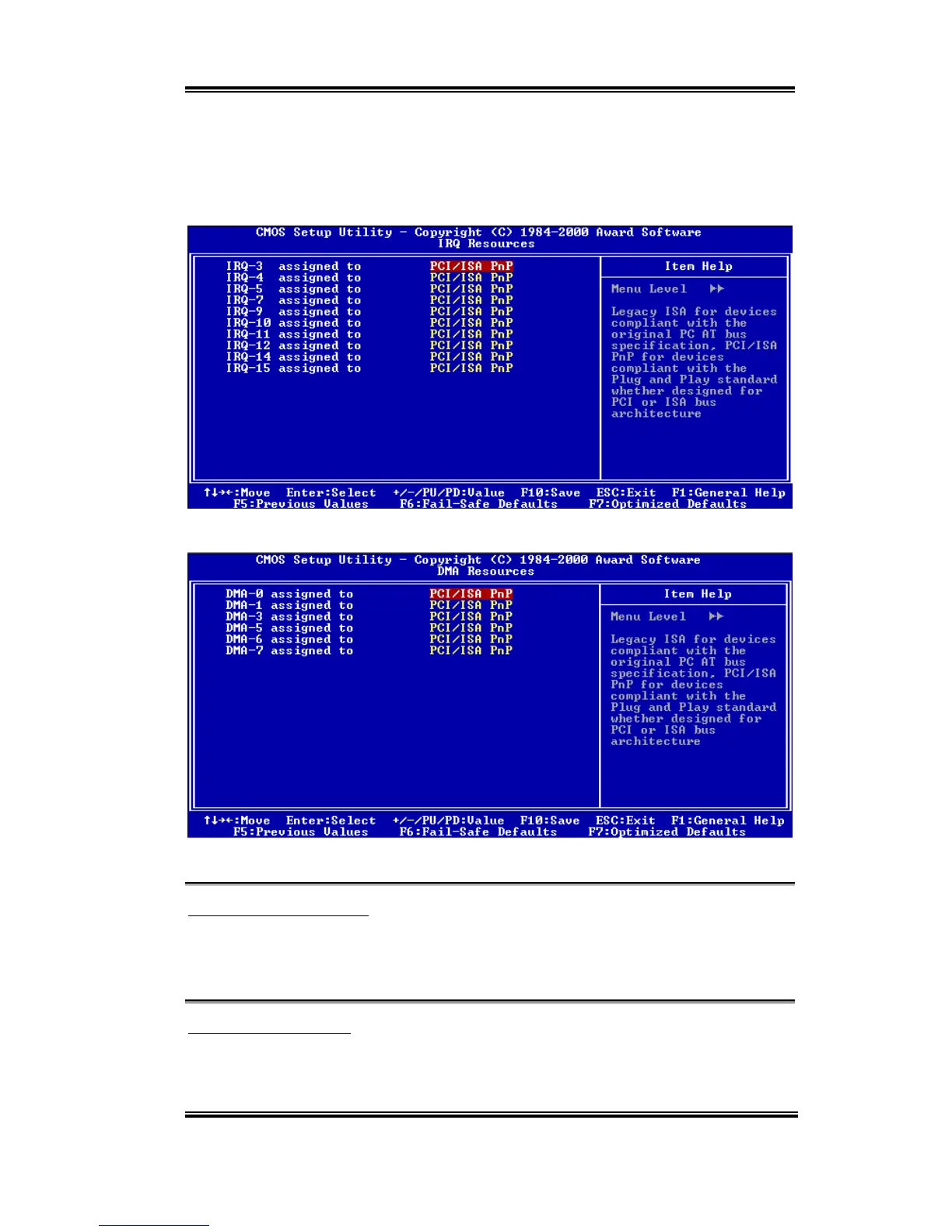
The Award Plug and Play BIOS has the capability to automatically configure all of the boot
and Plug and Play compatible devices. If you select Auto (ESCD), all of the interrupt
request (IRQ) and DMA assignment fields disappear, as the BIOS automatically assigns
them. But if you have trouble in assigning the interrupt resource automatically, you can
select Manual to set which IRQ and DMA are assigned to PCI/ISA PnP or legacy ISA cards.
Figure 3-8B. IRQ Resources Setup Menu
Figure 3-8C. DMA Resources Setup Menu
PCI /VGA Palette Snoop:
This option allows the BIOS to preview VGA Status, and to modify the information
delivered from the Feature Connector of the VGA card to the MPEG Card. This option can
solve the display inversion to black after you have used the MPEG card.
Assign IRQ For VGA :
Two options are available: Disabled or Enabled. The default setting is
Enabled
. Name the
interrupt request (IRQ) line assigned to the USB/VGA/ACPI (if any) on your system.
Activity of the selected IRQ always awakens the system.



 To Next Page