Introduction of the BIOS 3-37
User’s Manual
3-12.
Save & Exit Setup
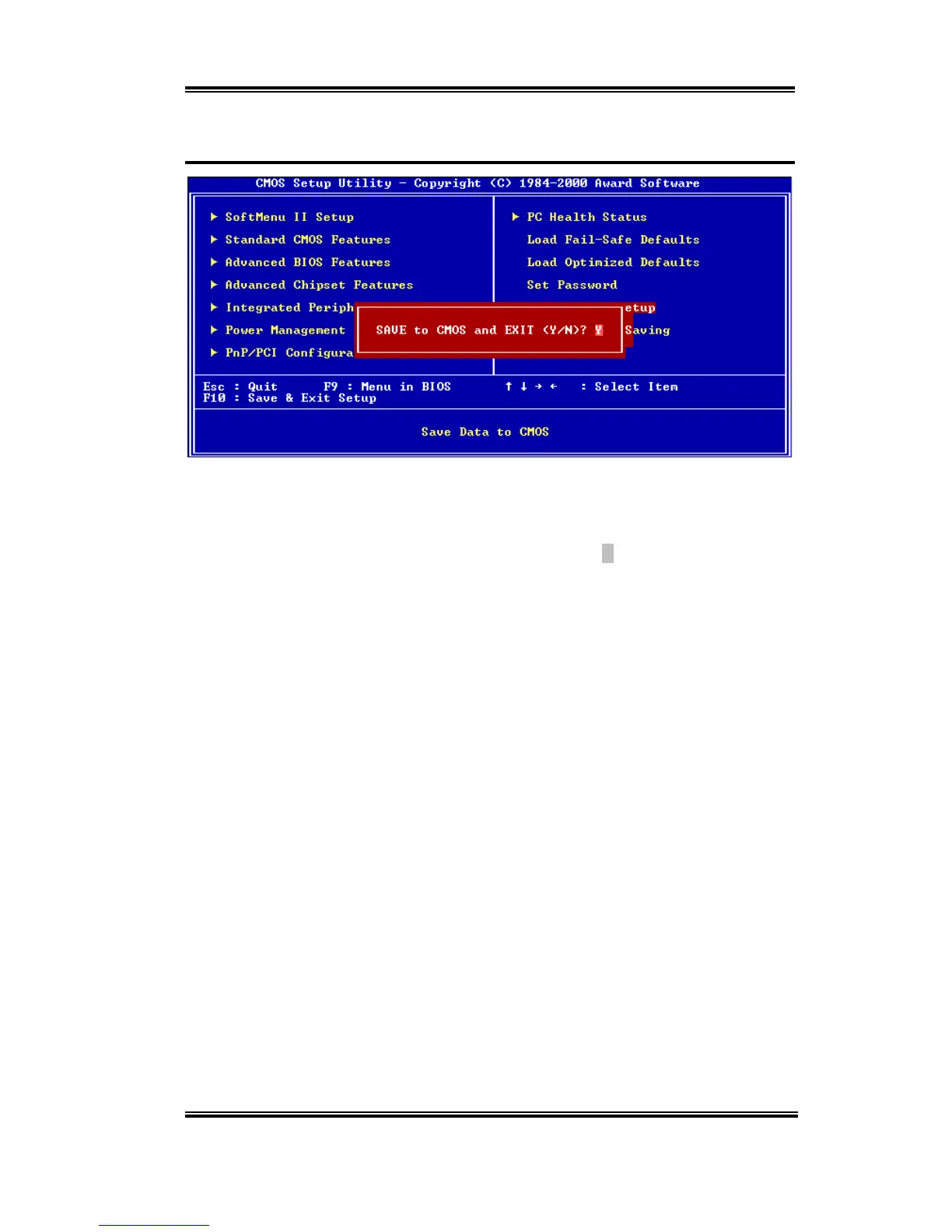
Figure 3-14. Save & Exit Setup Screen Shot
Pressing <Enter> on this item asks for confirmation:
Save to CMOS and EXIT (Y/N)?
Y
Pressing “Y” stores the selections made in the menus in CMOS - a special section of
memory that stays on after you turn your system off. The next time you boot your computer,
the BIOS configures your system according to the Setup selections stored in CMOS. After
saving the values the system is restarted again.



 To Next Page