Introduction of the BIOS 3-25
User’s Manual
Table 3-2: Effect of Pressing the Power Switch
If the system is in this
state……
……and the power switch
is pressed for
……the system enters this
state
Off Less than four seconds Power on
On More than four seconds Soft off/Suspend
On Less than four seconds Fail safe power off
Sleep Less than four seconds Wake up
Power Management:
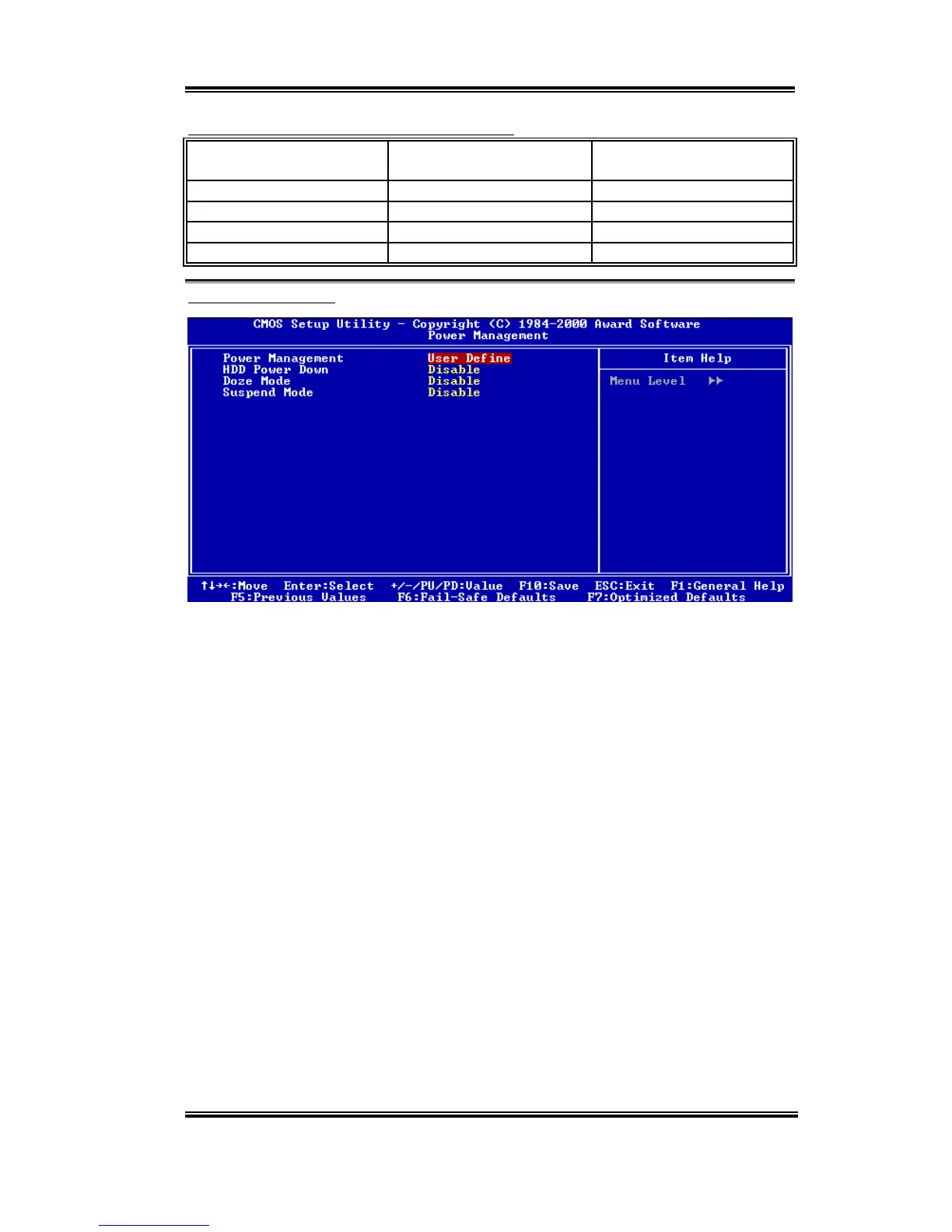
Figure 3-7B. Power Management Setup Menu
This item allows you to select the type (or degree) of power saving and is directly related to
the following modes:
1.
HDD Power Down
2.
Doze Mode
3.
Suspend Mode
There are three options for power management, three of which have fixed mode settings:
➤
User Define
“User Define” defines the delay for accessing the power modes.
HDD Power Down: Disabled
'
1 Min
'
2 Min
'
3 Min
'
4 Min
'
5 Min
'
6
Min
'
7 Min
'
8 Min
'
9 Hour
'
10 Min
'
11 Min
'
12
Min
'
13 Min
'
14 Min
'
15 Min. The default setting is
Disabled
.
Doze Mode: Disabled
'
1 Min
'
2 Min
'
4 Min
'
6 Min
'
8 Min
'
10
Min
'
20 Min
'
30 Min
'
40 Min
'
1 Hour. The default
setting is
Disabled
.
Suspend Mode: Disabled
'
1 Min
'
2 Min
'
4 Min
'
6 Min
'
8 Min
'
10
Min
'
20 Min
'
30 Min
'
40 Min
'
1 Hour. The default
setting is
Disabled
.



 To Next Page