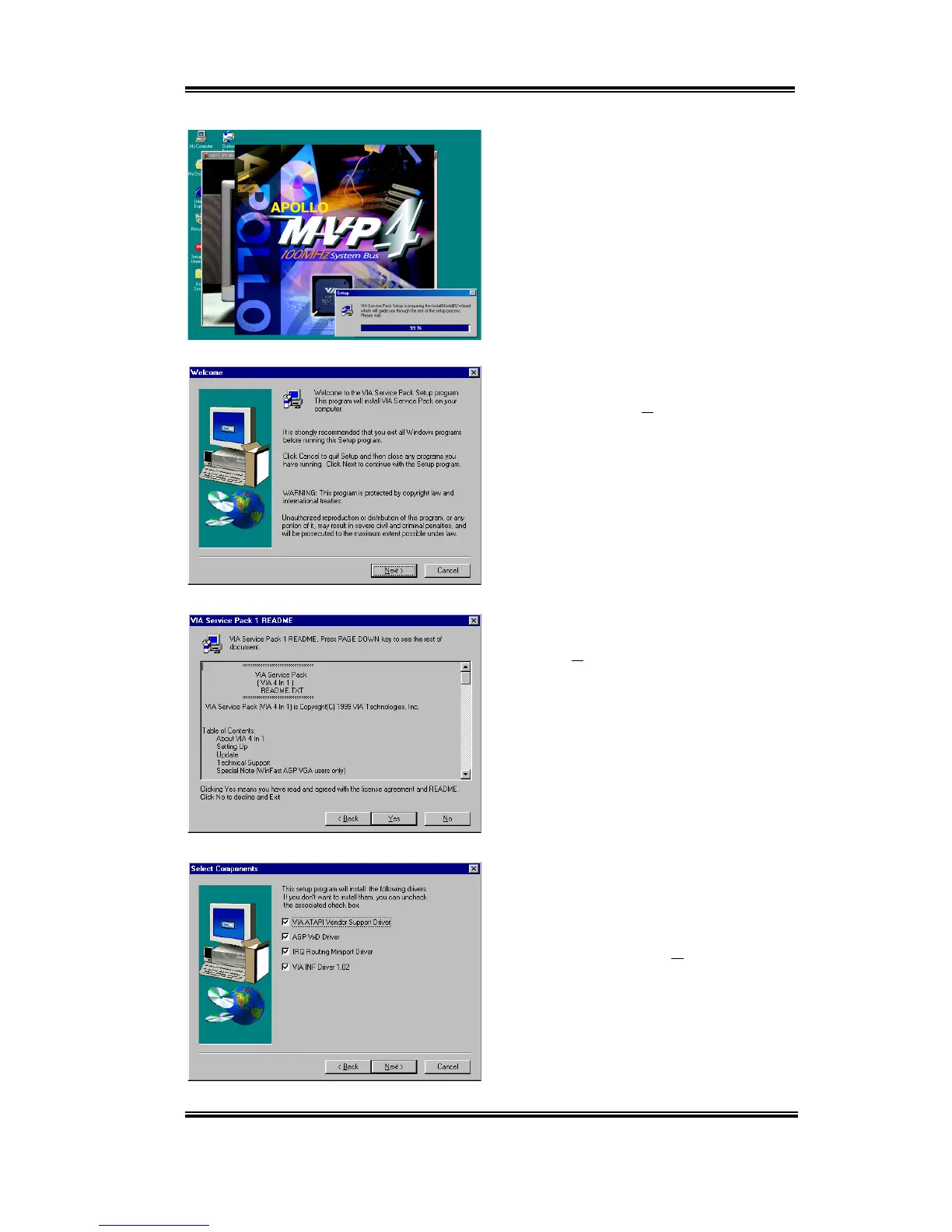
Installing the VIA Service Pack Drivers for Windows
®
98 SE A-3
User’s Manual
Now you will see the install shield loading.
You will now see the welcome screen and its
dialogue box. Click “
Next>
” to go on.
The service pack readme screen will appear.
Click the “
Yes
” button to go on.
This setup program will install the four
kinds of drivers. Please check which drivers
you want to install. When you choose the
items, please click the “
Next>
” button to
continue.



 To Next Page