A-6 Appendix A
VL6
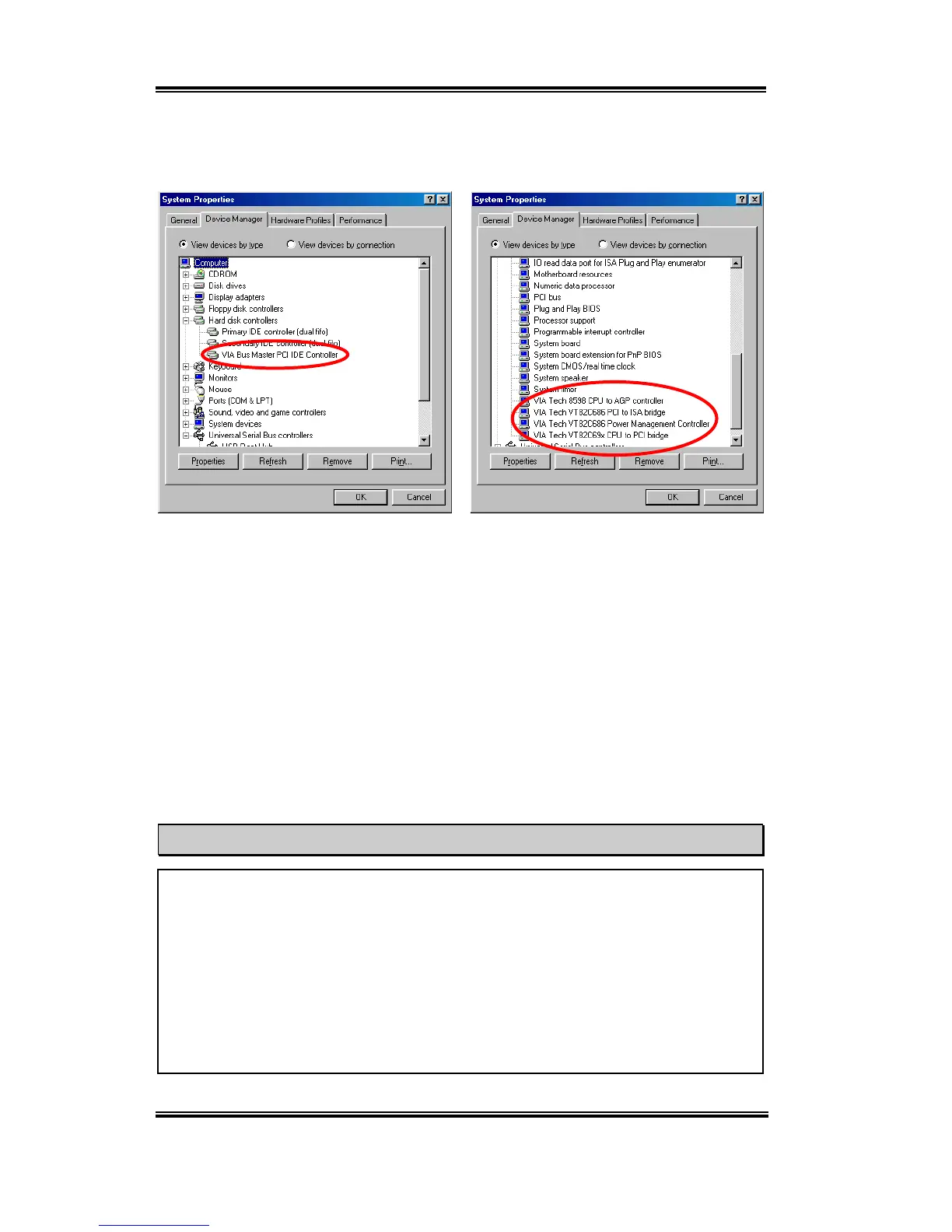
Go to check the
System Properties '
Device Manager
. It will show you several places
that identify the VIA chipset and controller.
Problem under Windows
®
95 OSR2
If your operating system is Windows
®
95 OSR2, install the VIA service pack and
Microsoft
®
usbsupp.exe for USB devices support. Then restart Windows and go to
System Properties
'
Device Manager. There will be question marks before “PCI
Universal Serial Bus” and “VIA PCI to USB Universal Host Controller”.
To make these question marks disappear, remove these items and then restart Windows.
When Windows completes loading, these devices will returned to normal and the
question marks will be gone.



 To Next Page