F-2 Appendix F
VL6
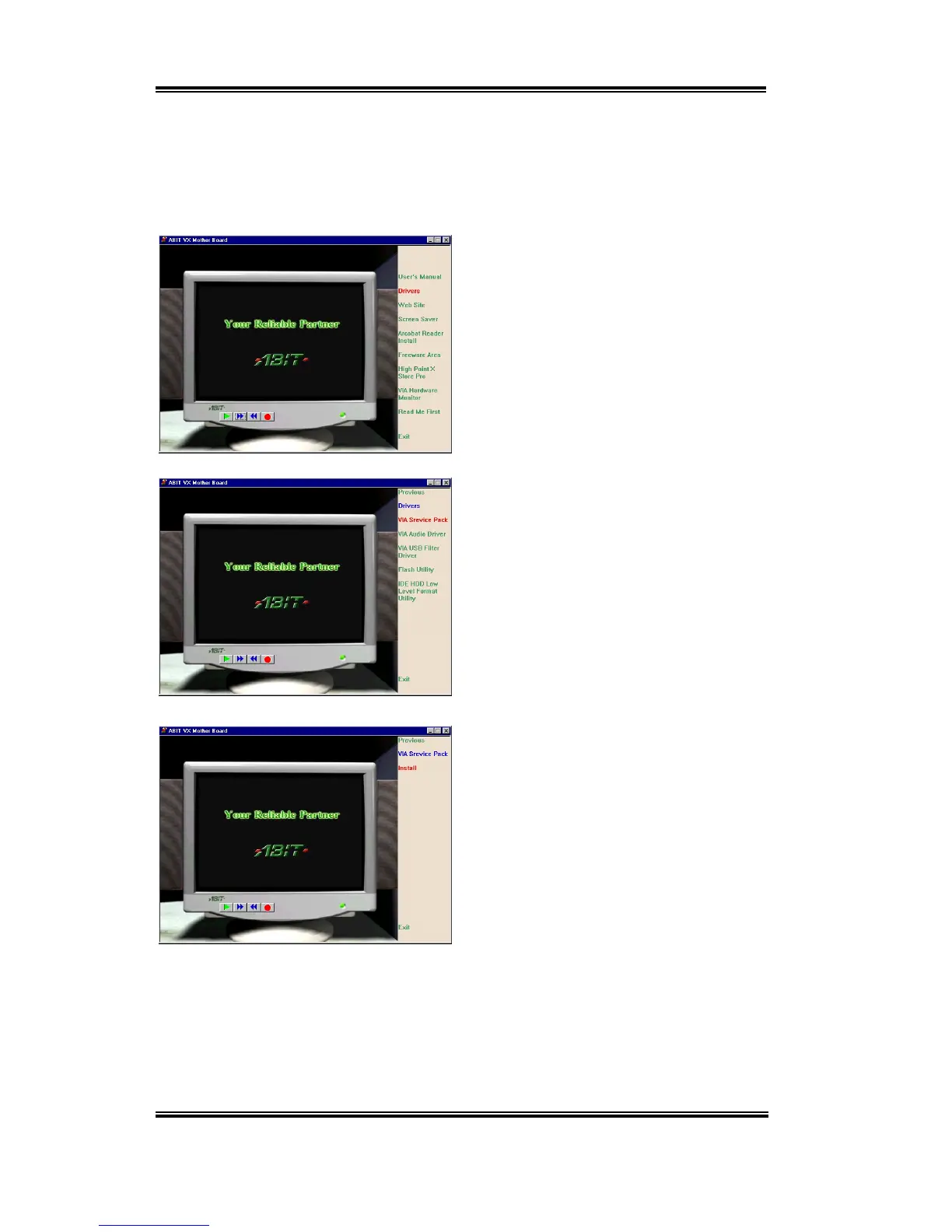
Exit the device manager and insert the VL6 CD-Title into your CD-ROM drive, it should
execute the program automatically. If not, you can go to the CD location and execute the
execution file at the main directory of this CD-Title. After it has been executed you will see
the screen below.
Move the cursor to “
Drivers
” and click on it.
You will go to the next screen.
Move the cursor to “
VIA Service Pack
” and
click on it. Go to the next screen.
Move the cursor to “
Install
” and click on it.
Go to the next screen.



 To Next Page