Installing the VIA PCI Audio Drivers for Windows
®
2000 G-1
User’s Manual
Appendix G.
Installing the VIA PCI Audio
Drivers for Windows
®
2000
In this section we will show you how to install the VIA PCI audio drives to your Windows
®
2000 operating system. All screen shots are taken from the Windows
®
2000 version.
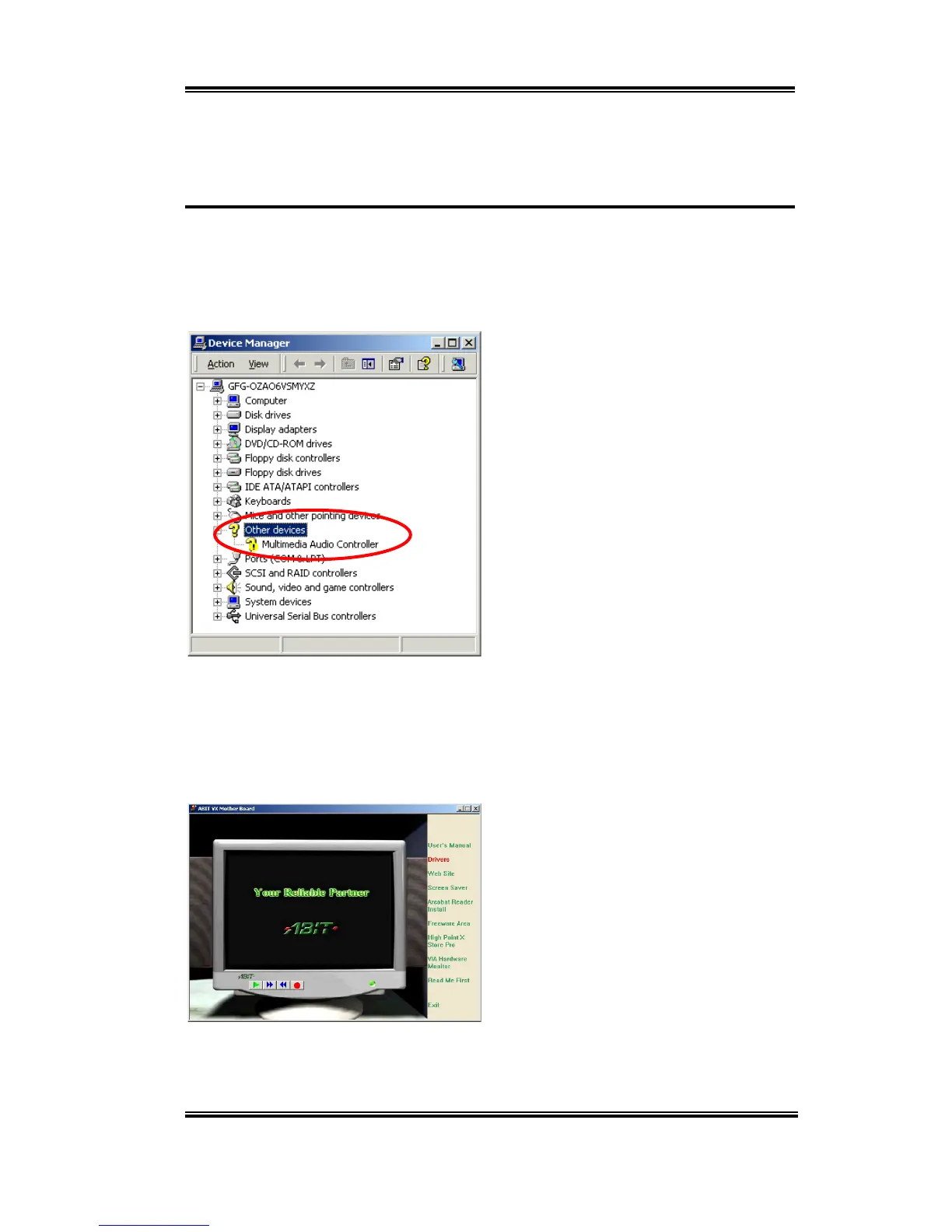
First check
System Manager '
Other
devices
. Your system should now show the
question mark before item “
Multimedia
Audio Controller
”.
Insert the VL6 CD-Title into your CD-ROM drive. It should execute the program
automatically. If not, you can go to the CD location and execute the execution file from the
main directory of this CD-Title. Once executed, you will see the screen below.
Move the cursor to “
Drivers
” and click on it.
This will bring you to the to the next screen.



 To Next Page