Installing the VIA PCI Audio Drivers for Windows
®
2000 G-3
User’s Manual
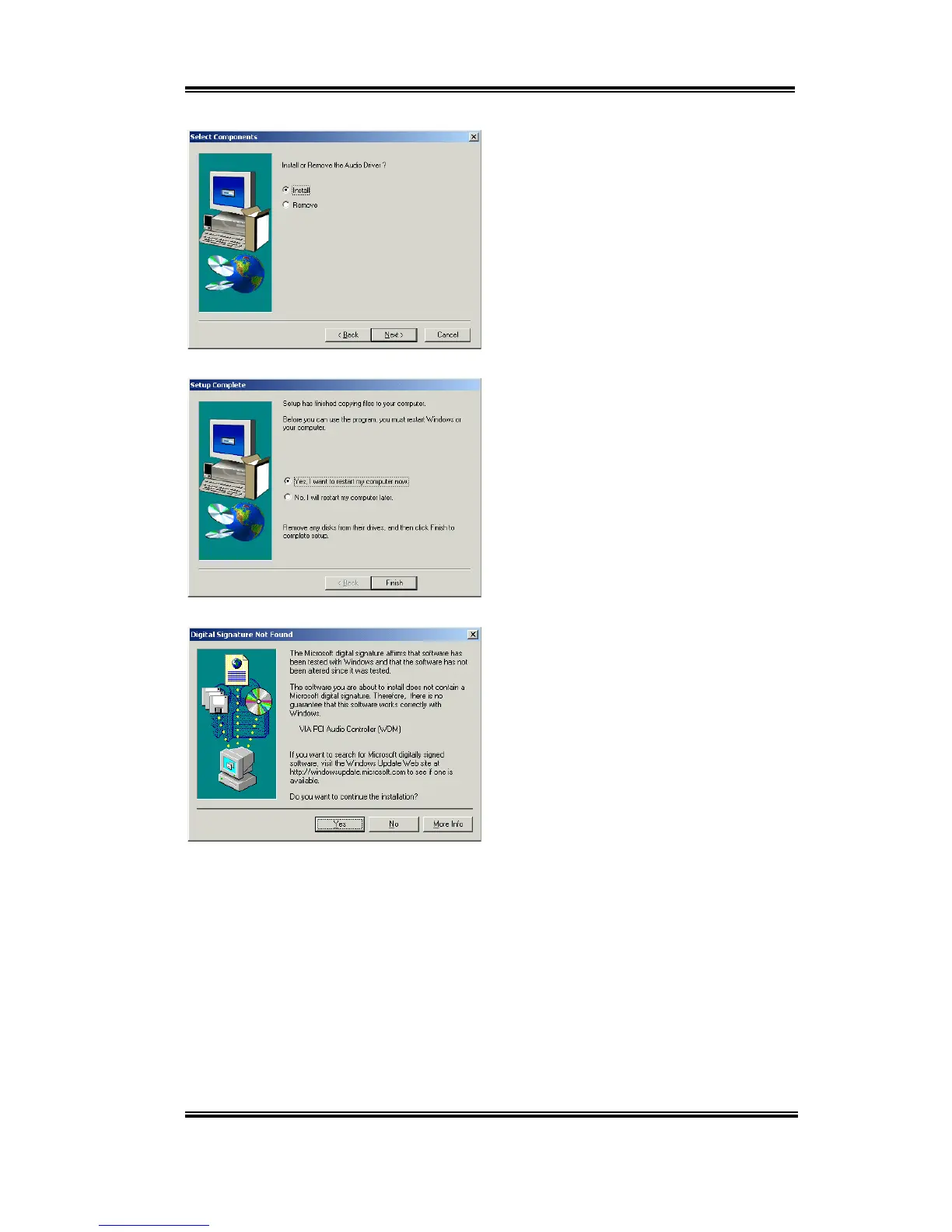
Choose “
Install
” then click the “
Next
>”
button to go on.
Program will start to install all drivers you
choose.
When installation is complete, the installer
will ask you to restart your computer. We
suggest that you choose “
Yes, I want to
restart my computer now
” then click
“
Finish
” button to restart your computer to
finish the driver installation.
When Windows
®
2000 restarts, it will start
updating your audio drivers. When the
“
Digital Signature Not Found
” screen
appears, click “
Yes
” to go on. The program
will then finish the updating.



 To Next Page