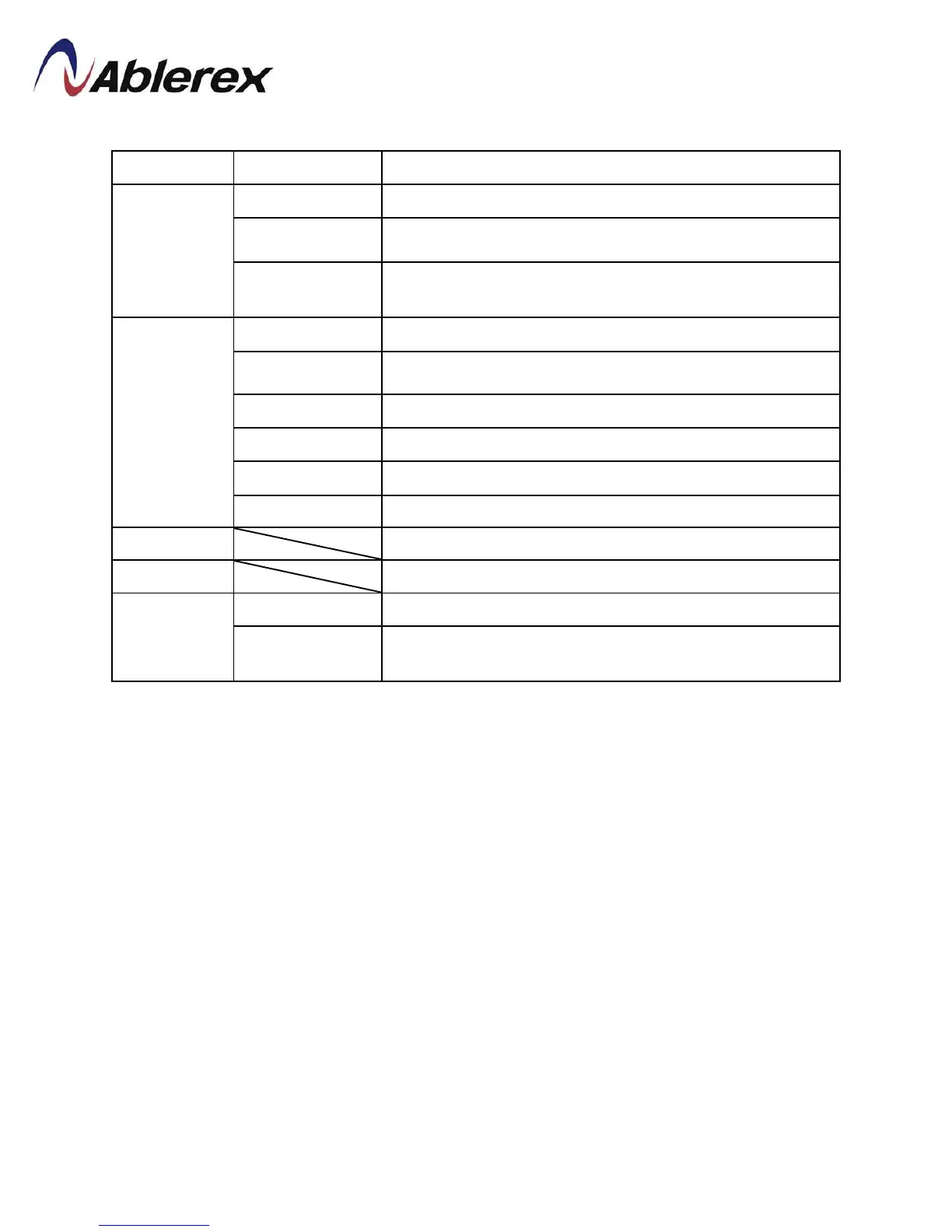
Menu Sub-Menu Functions
Management
Schedule Display the schedule.
(1)
To define the schedule for ECO mode.
Battery Test
Schedule
(1)
To define the schedule for battery test.
Setting
Language Select the display language
Update Prog. Upgrade the software of LCD touch display.
General Set the turn off time of LCD backlight.
Date and Time Set date and time.
Peripherals
Set communication card.
Parameters
UPS parameters which can be modified.
Event Log
Display the event log list of UPS.
Log on Load
Display the history curve of loading. (Up to 7 days data).
Permission
Setting
Login/Logout Login with the password
(2)
Password
Modification
(1)
Change user password.
(1)
This function menu only appears after login; please refer to “Permission Setting”.
(2)
Default password is “3366”.
50
192321262008007





 To Next Page