2.6
Operation menu with automatic weight input: Loading the
HydroTracer
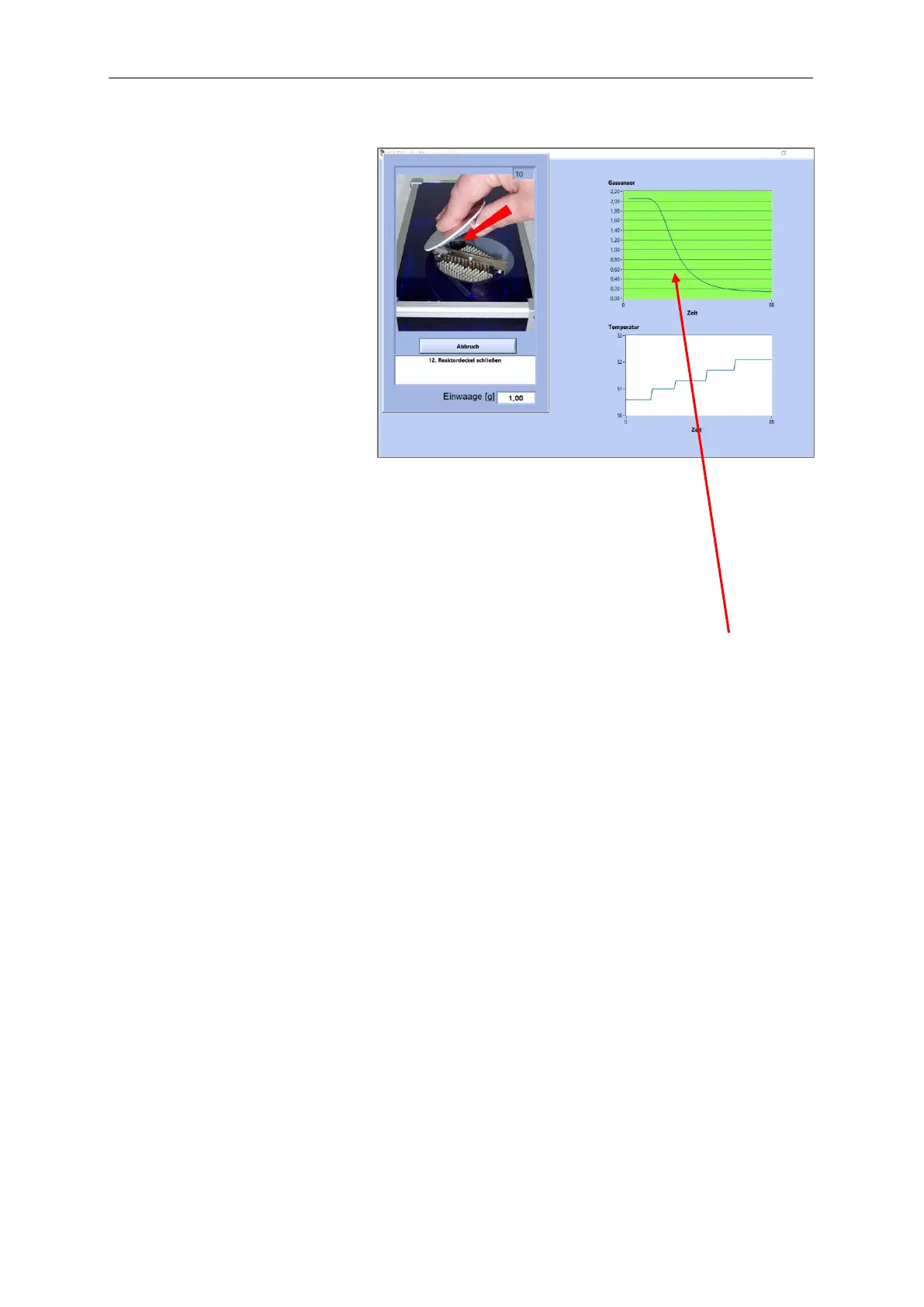
The menu with a connected balance is quite similar to the manual weight input menu. Below
are shown the deviations to the manual input of the weight.
Place the sample tray on the weighing
plate and tare. Fill in the sample material.
Spread the sample material so that the
bottom of the tray in evenly covered.
Transfer the weight data from the balance
(Kern-balance: Push “PRINT”-key). The
array “Sample weight” shows shortly the
transferred weight and a beep sounds
after the successful input.
If no transfer occurred within 30
seconds, an input menu appears to
enter the data manually.



 To Next Page
 Loading...