1. Initial Operation
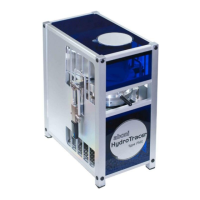
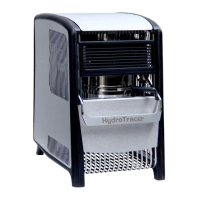
The HydroTracer is controlled by a PC and the signals from the instrument are analysed by
the PC software. The data transmission occurs via USB-Port. Before first operation the control
program and the driver must be installed
.
1.1
Installation of the Control Software HT 5.0
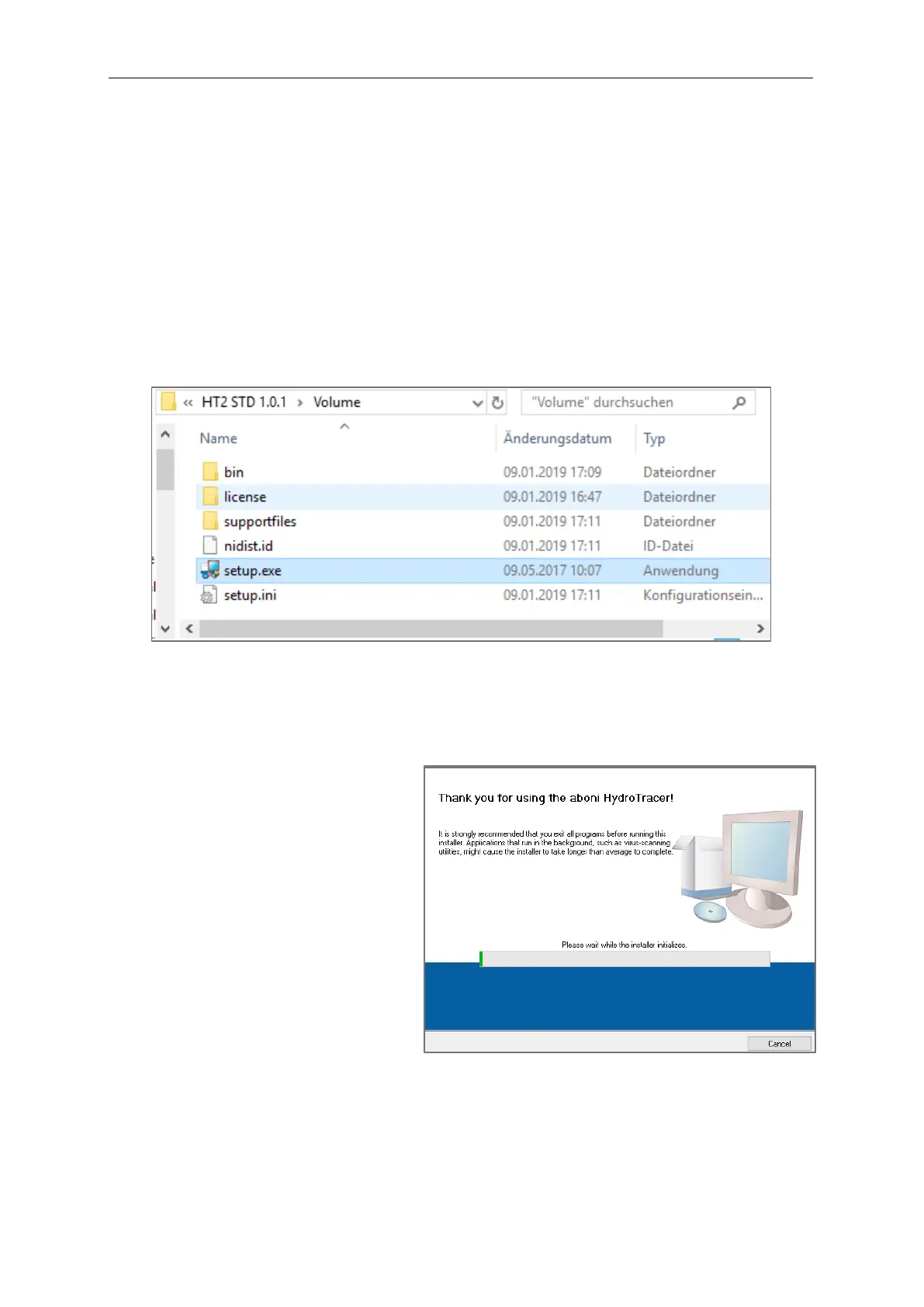
Insert the DVD and start the installation by running the setup.exe within the directory
[CD/DVD]: \HydroTracer Control Software HT 5.0\Volume
Please follow the instructions on the screen.
This mask appears and the
installation program is initialized



 To Next Page
 Loading...