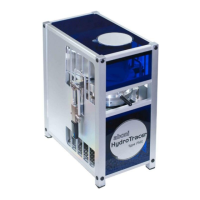
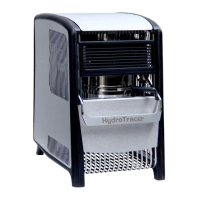
Finally, the mask appears to indicate
that the driver installation is
successful.
Click on "Finish"
1.2
Connecting the HydroTracer
Switch on your PC (if not done already).
Connect the power supply cable on the rear side of the HydroTracer. Connect the HydroTracer
with the data cable (USB) to your PC. Switch on the power. If the HydroTracer is properly
connected to the power supply, the system fan runs and the green LED glows.
The HydroTracer is now ready for operation.
Note: The gas sensor of the Hydrotracer needs approximately 15 minutes after power supply
to reach its operation temperature. If started the first time, it is recommended to run the
device (perform a test) with reagent, but without test material.
In the Windows© Device Manager, a
new entry "USB serial port" appears
under the "Ports (COM & LPT)"
section when the HydroTracer is
connected to the computer via USB
cable.


 To Next Page
 Loading...