Absenicon3.0 C138 User Manual
7.1.2 PC display
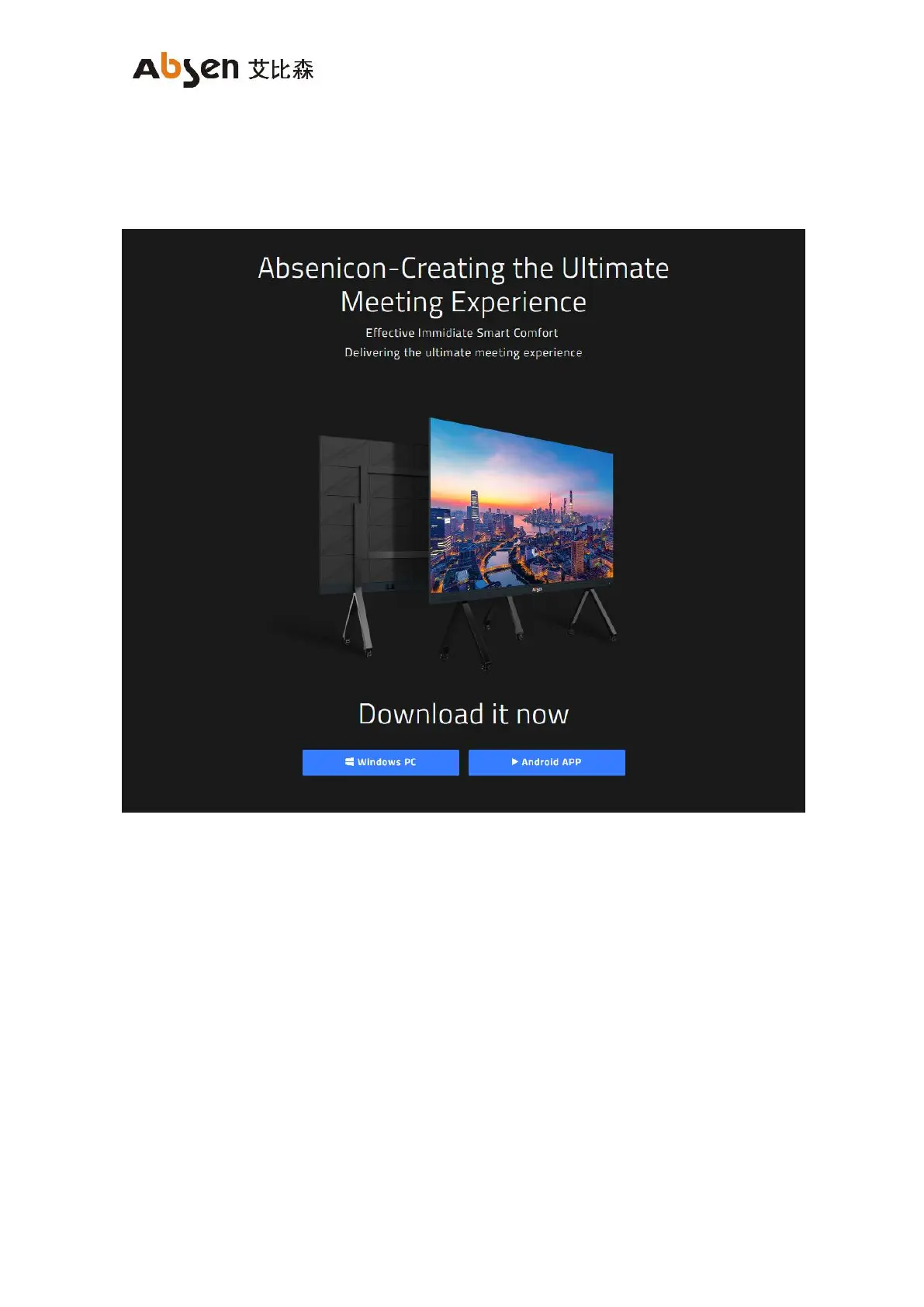
Use the PC open the browser, enter "https://www.absen.com/absenicon/", and download the correspo
nding client according to different operating platforms.
7.1.2.1 Windows system display
Connect to the Absenicon conference screen hotspot on the PC (the default name is: Absenicon_XXXX,
and the default password is: 12345678);
Run the downloaded client to detect the name of the connected device, click "Start projection";


 To Next Page
 Loading...