Absenicon3.0 C138 User Manual
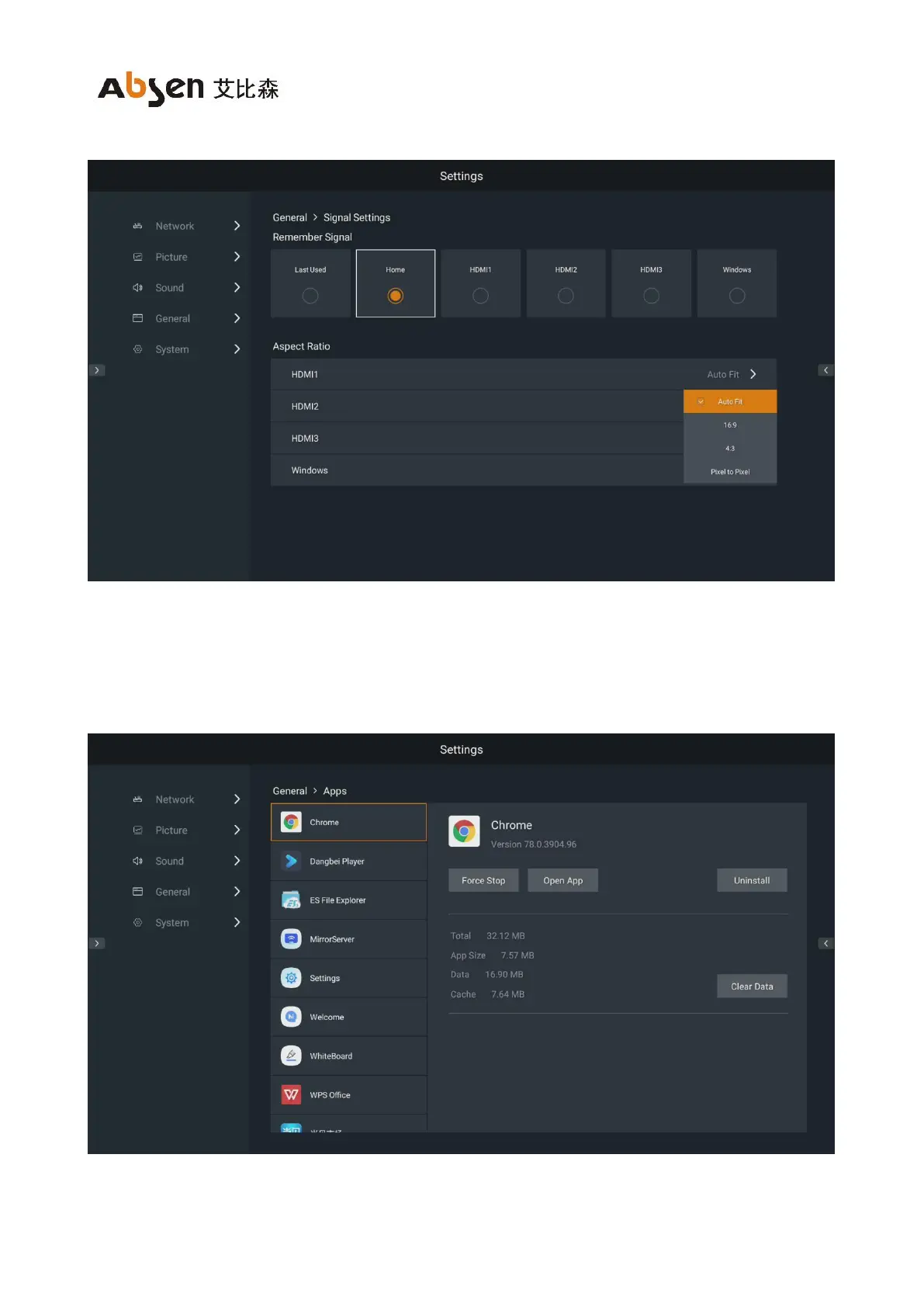
"16:9" and "pixel-to-pixel".
10.4.2 Application management
In the main interface of general settings, select "APP" to enter the app settings interface.
Perform the following management for the installed APP.
(1) Force stop: Force the APP to be stopped.


 To Next Page
 Loading...