Page 22 Data : 01.03.2016
12 Standard settings
Important: Steps 1a* and 1b* only apply if the load population recorder is activated.
Otherwise, start with step
1.
0
flashing
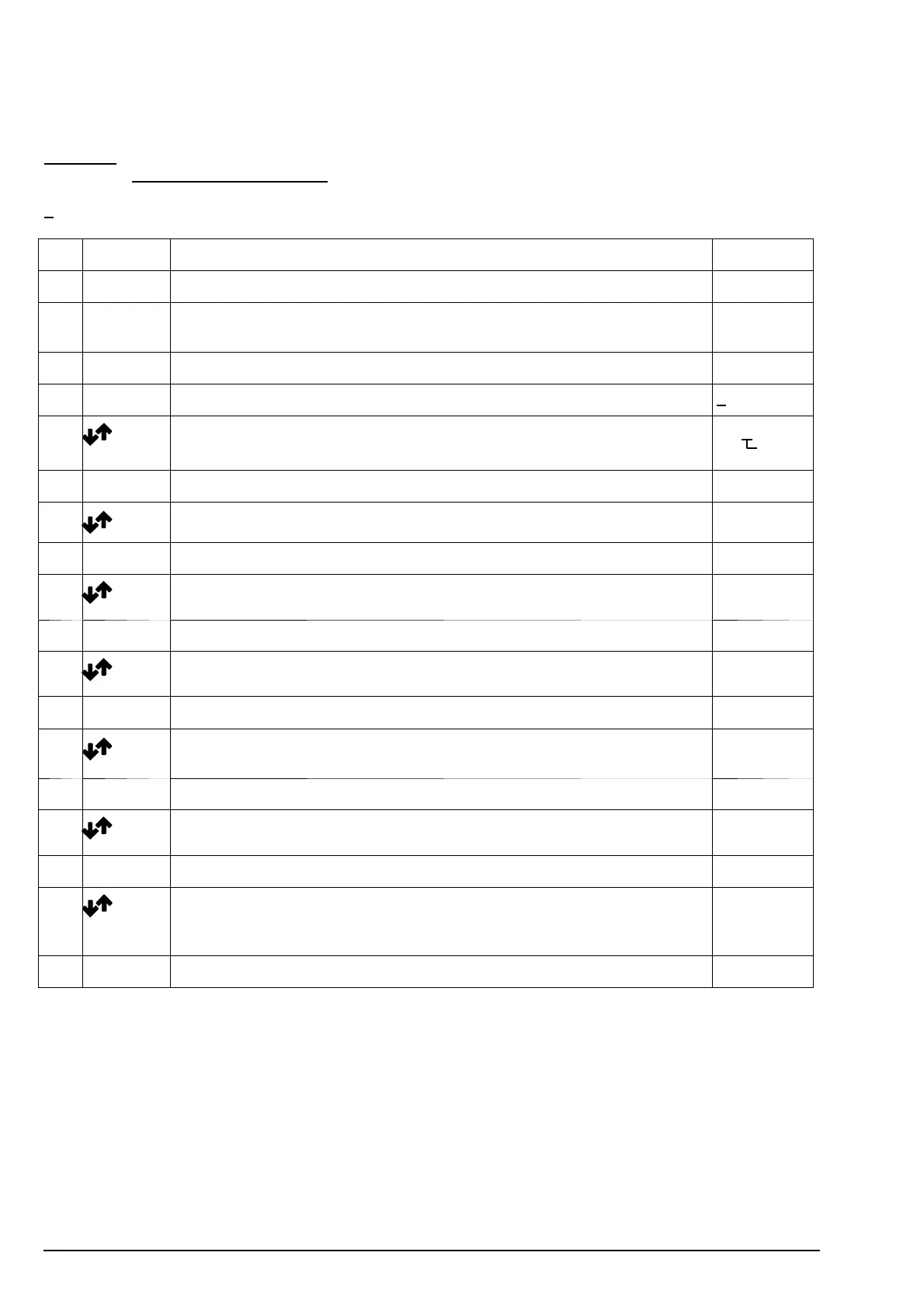
No.
Key Description Display
1a* Enter ”Code” appears on display CodE
1b* Enter
briefly
”P–Nr.” appears on display P–nr
1 Enter Press until ”P–Nr.” a ppears on display P–nr
2 Enter press for about 1 sec. and release. The display is: 0 000
3
+
Enter
Enter PIN No. from left to right.
After entering the last digit, press ”Enter” until P 0.0 appears on the display
0055
flasching
4 The unit is now on level 2 ( parameter level) P0.0
5 select parameter P 0.1 load capacity, hoist 1 P0.1
6 Enter the load capacity currently stored appears on display (in t) 3.20 e.g
7 enter required value for load capacity, hoist 1, in t 5.00 e.g.
8 Enter display flashes briefly; load capacity, hoist 1, is stored; the display is: P0.1
9 select parameter P 4.1 overload shut–down, hoist 1 P4.1
10 Enter 110 or the value currently stored appears on display 110
11 enter required value for overload shut–down, hoist 1, in % of load capacity,
hoist 1
100 e.g.
12 Enter P 4.1 appears on display; value is stored P4.1
13 select parameter P 4.0 Second shut- down point P4.0
14 Enter 0 or the value currently stored appears on display 0
15 enter required value e.g. 40 % for part load switch 1
( in % of load capacity, hoist 1 see parameter 0.1)
.
If input EA is not used, this setting is of no importance.
40 e.g.
16 Enter P 4.0 appears on display; value is stored P4.0


 To Next Page