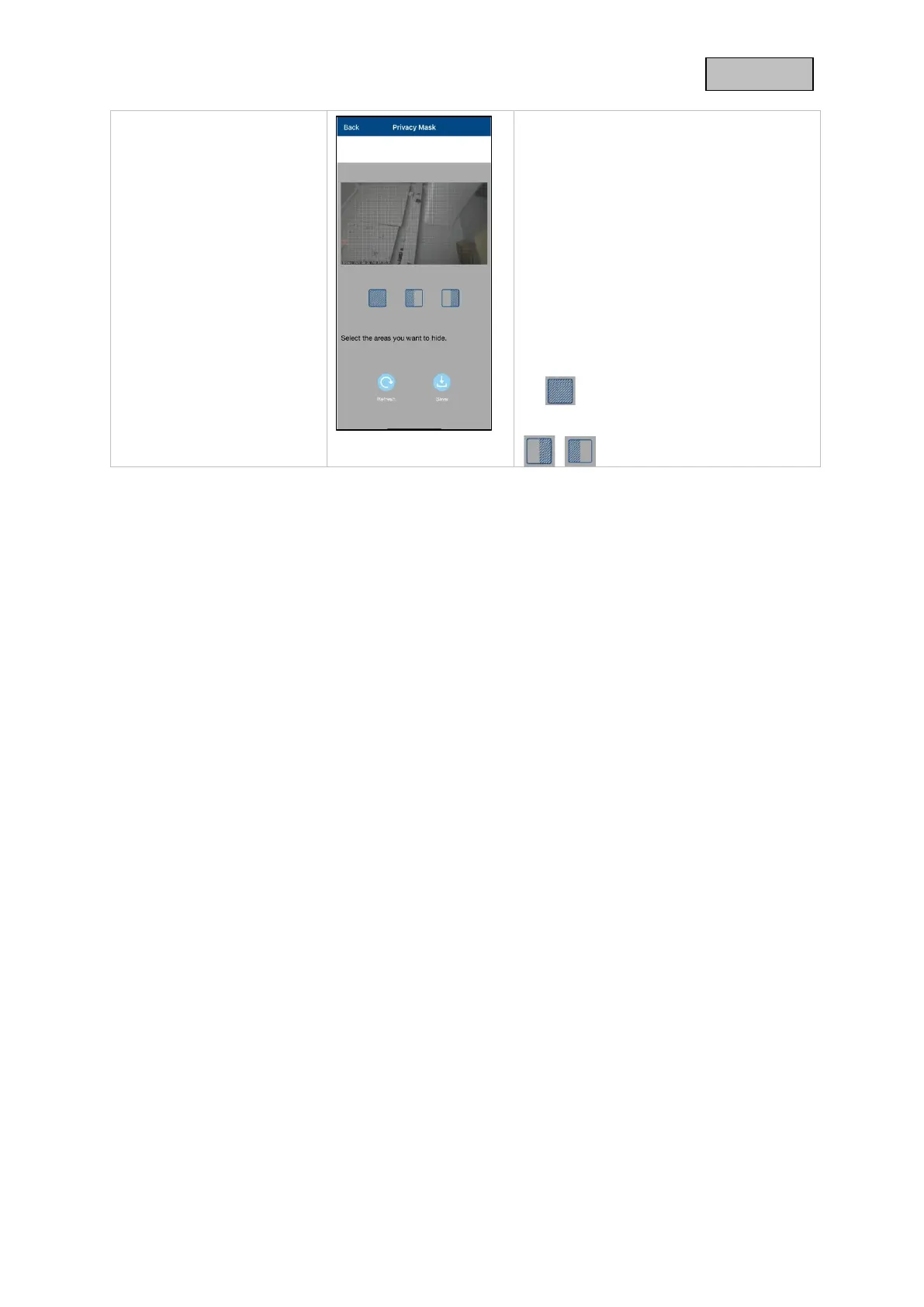
A preview of the live image and the
privacy zone set up is displayed
here. Drawing privacy zones is done
directly in the preview area.
Select the desired privacy zone area
by tapping the squares.
The drawn area is made
unrecognizable in black and is
therefore not visible in the live image
or in the recording.
Click on Save to apply the selection.
Delete the selection
Preset selection ranges



 To Next Page