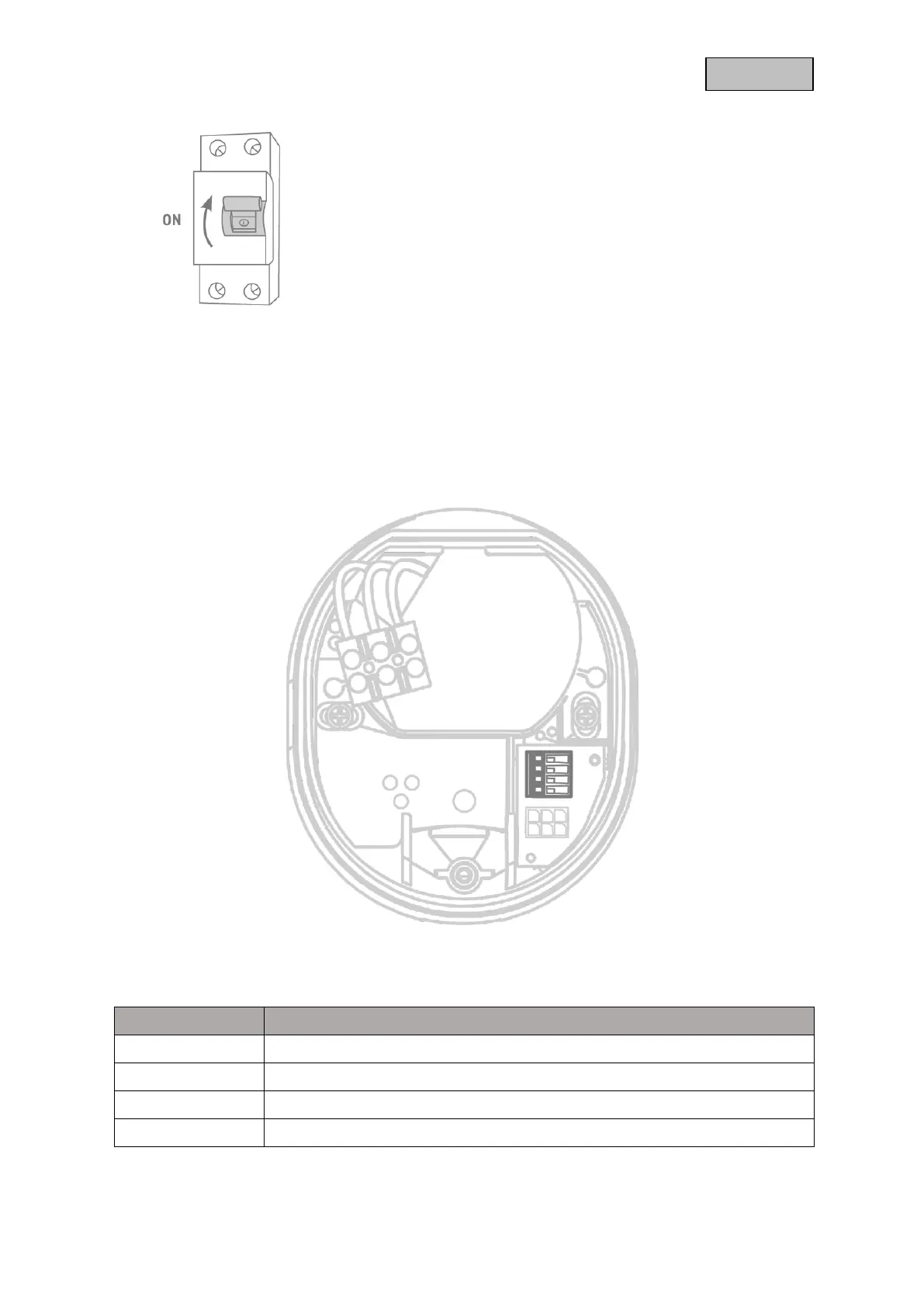
The camera is now fully operational. Make sure that no one is
handling other open power conductors in the house and then
switch on the power supply for the camera. After approx. 60
seconds, the live image can be accessed again if the start-up via
app has already been carried out.
If you have not already done so: Start the initial setup via app
now.
Optional: Connection to a LAN network
To connect the camera with a network cable, use existing or pulled network cable. Connect the cables
to the network connector block according to the following color description.


 To Next Page