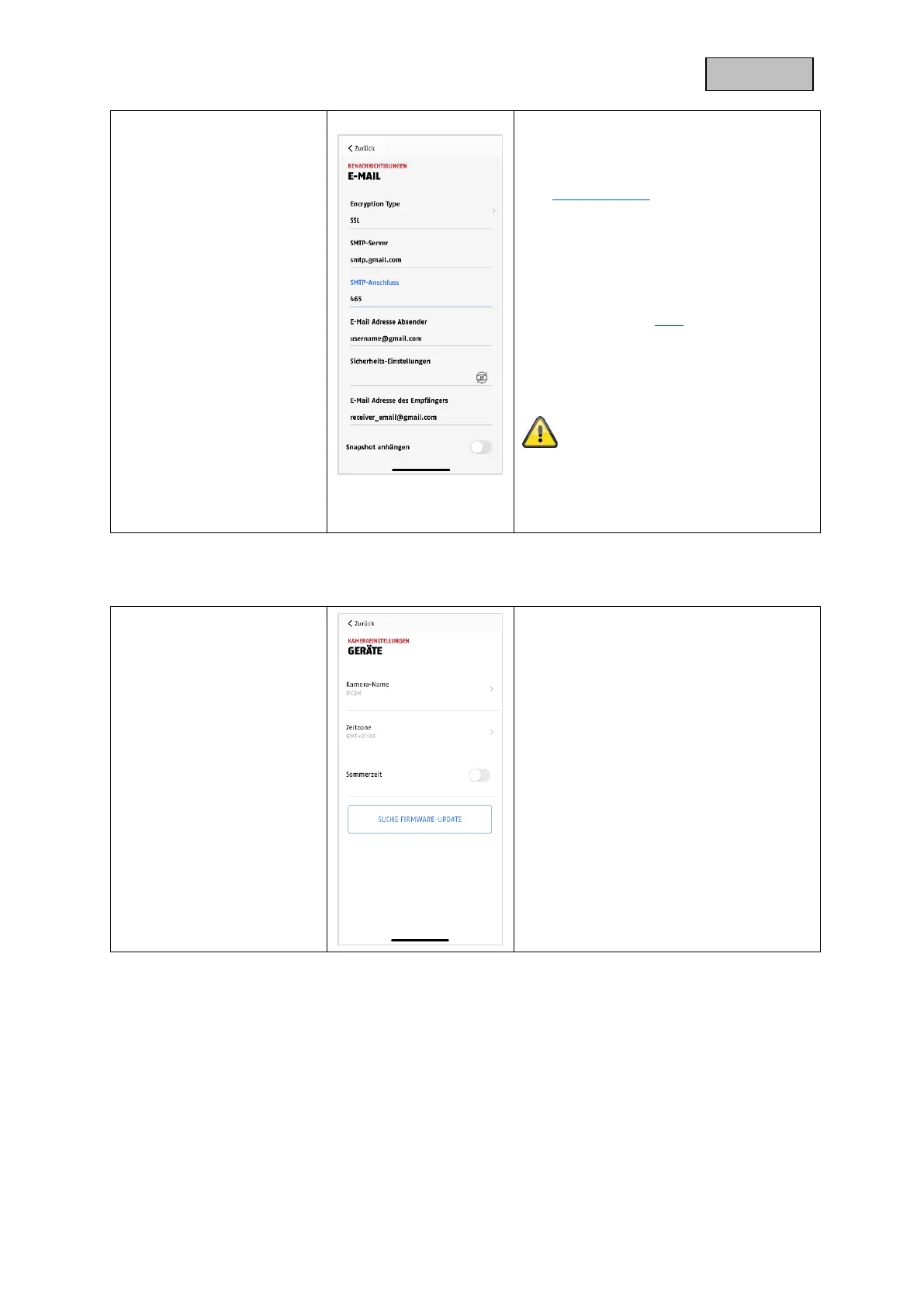
Username:
Enter the sender e-mail address here.
e.g. xxx@test.com
Password:
Enter the password of the sender e-mail
here.
Recipient:
Enter the recipient's e-mail address here.
e.g. xxxx123@test.com
Save the settings by pressing OK. When
leaving the advanced settings, press
"Confirm". Only then will the e-mail
settings be applied.
We recommend using "googlemail" to
send emails.
You can find instructions on how to set it
up under Downloads.
Make the device settings for your camera
here.
The changes in the settings are only
applied after leaving the menu.


 To Next Page