9.8.3. Automatic login
When entering the admin password, you can use the "Save admin password" button to save the admin
password on your end device so that you do not have to enter it the next time you call up the advanced
settings on your end device. This does not apply to access from other end devices.
9.8.4. Advanced settings
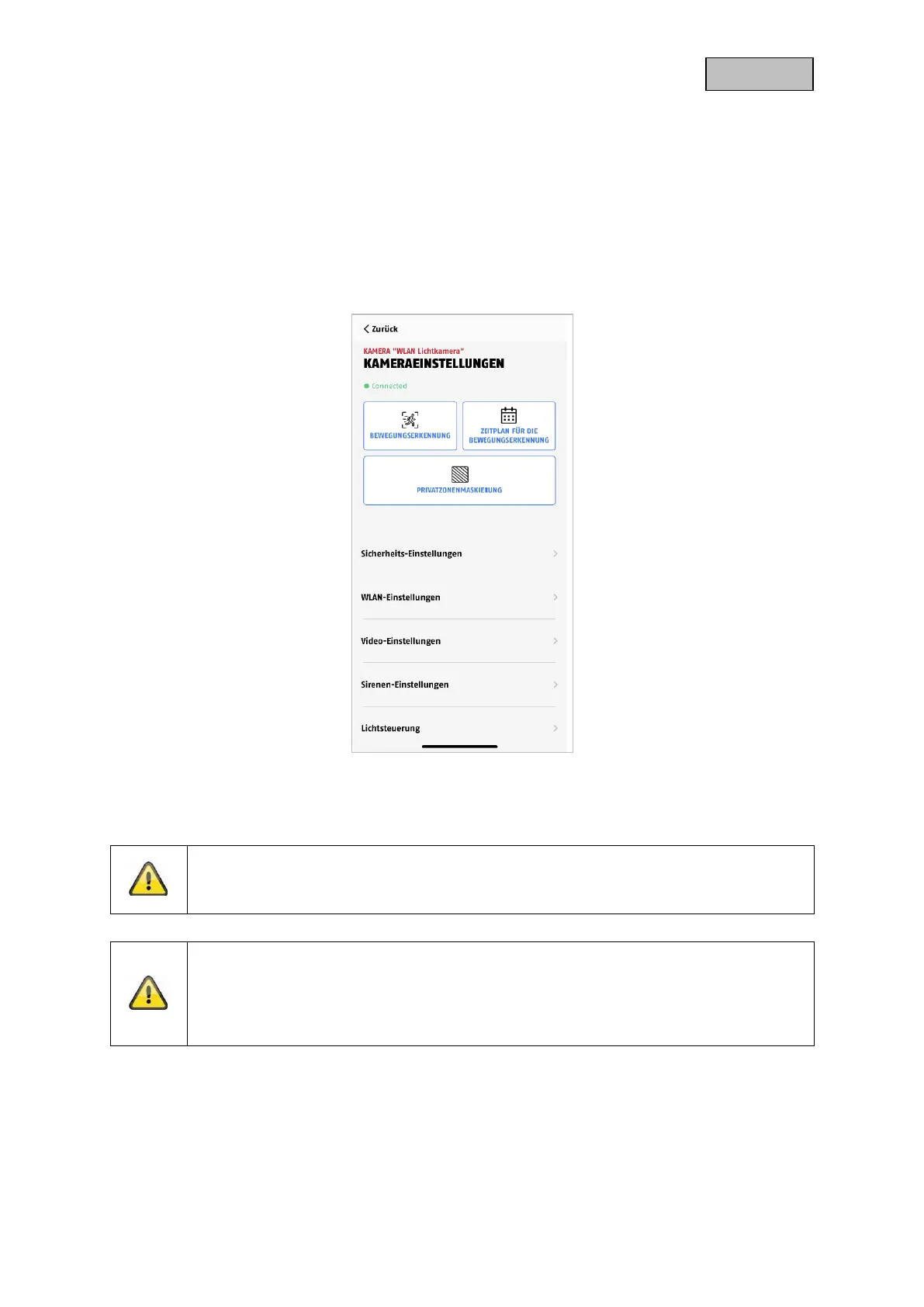
The individual menu items are grouped.
In the camera settings you have the option to delete the camera from your app, please note that it will
only be deleted from the app and will not be reset,
Note
The arrangement of the individual points differs from Android. The functionalities are
nevertheless available and identical on both platforms.
Note
Please always make changes to the settings (e.g. changes to the admin password) of the
camera in the local network of the camera. We strongly advise you not to make changes
to settings in a public Wi-Fi, as it is always possible for other people to make recordings
here.


 To Next Page