Note
For the best possible camera experience, we recommend that you always operate the
camera with the latest firmware. You can find the current firmware version and available
updates under "Camera settings" > "Device settings" -> Search firmware update
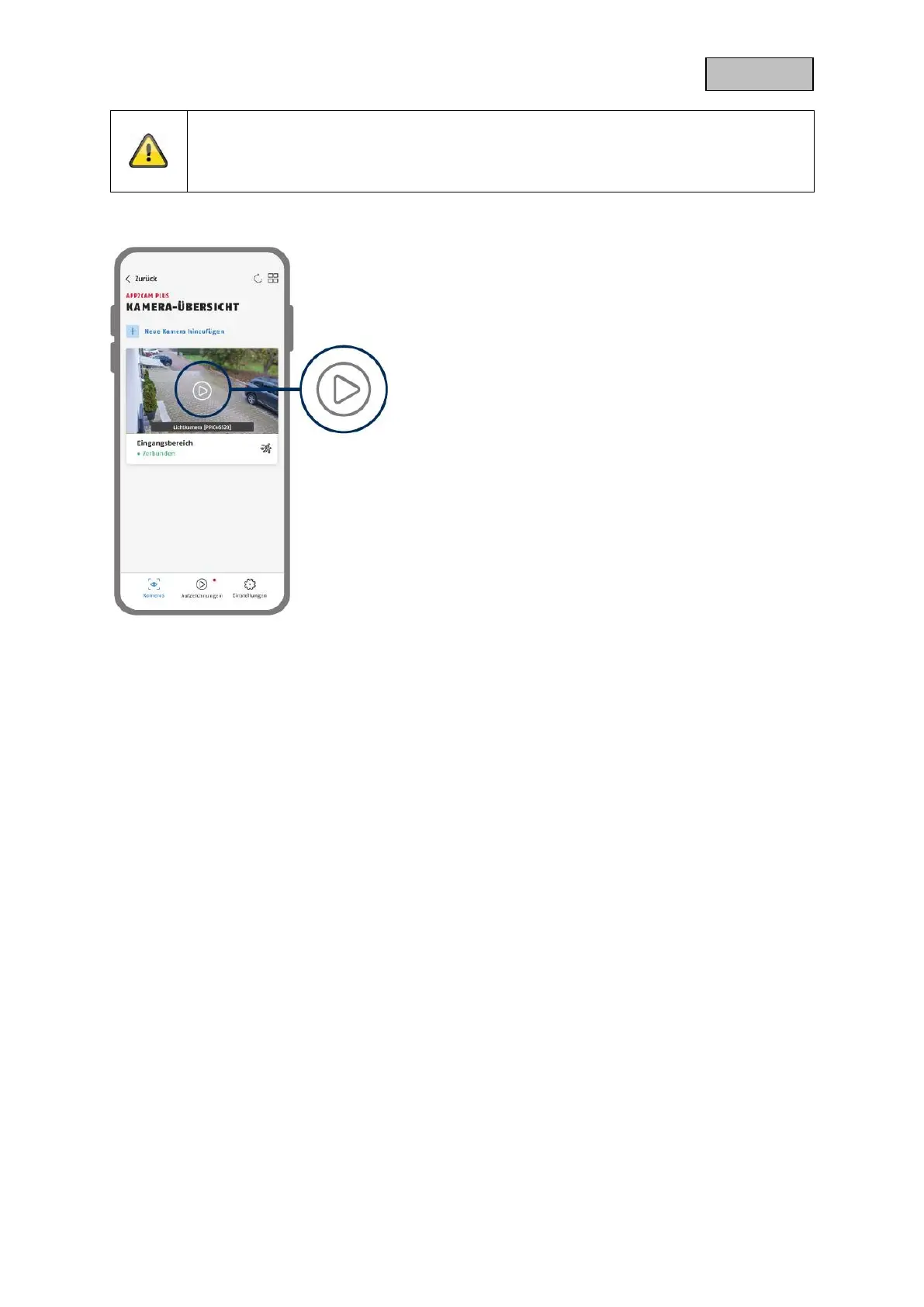
setup via the app is now complete. The app now shows
the camera overview with a first preview image of the
security camera.
Tap the play icon in the preview image to display the
first live image. In rare cases, e.g. if the reception is too
poor, the app displays the "missing connection" icon.
Tap it to open the live view.


 To Next Page