Menu
20
SYSTEM
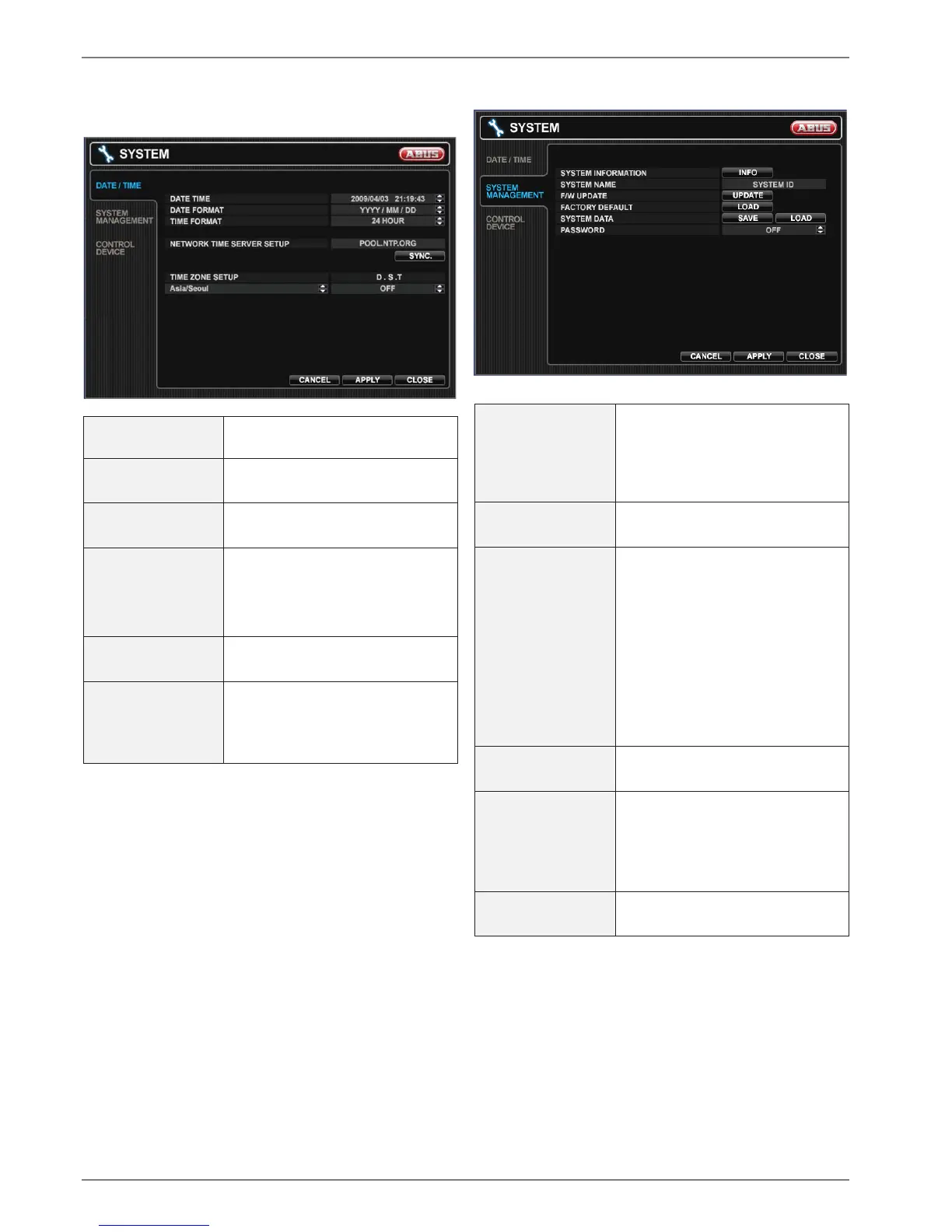
DATE / TIME
DATE TIME
Set or modify the current date and
time.
DATE FORMAT Determines how the date is dis-
played.
TIME FORMAT Determines how the time is dis-
played.
NETWORK TIME
SERVER SETUP
Server to synchronize the time.
If the DVR is connected to the
Internet, the time and date can be
accurately set by selecting SYNC.
TIME ZONE SETUP Should be set according to the re-
gion, which the DVR is used in.
D.S.T When is set to ON, the DVR will
automatically adjust the time by
one hour relevant to the date in
spring and autumn.
SYSTEM MANAGEMENT
SYSTEM
INFORMATION
S/W Version, H/W Version, Video
Signal Type, Disk Capacity, IP
Address, MAC Address, DDNS
Domain Name, Net Client Port,
Web Server Port
SYSTEM NAME Name of the DVR which is shown
in emails.
F/W UPDATE Firmware updates may be re-
leased periodically to enhance
system performance and add ex-
tra features. The operator can up-
grade the firmware using a USB
memory stick.
Copy the file to a USB stick and
insert it. Press UPDATE, select
the firmware and press
UPGRADE.
FACTORY
DEFAULT
Restores the default settings.
SYSTEM DATA Current settings can be saved and
loaded by pressing the corre-
sponding button. All settings ex-
cept network settings and system
named are saved.
PASSWORD Determines the PASSWORD
ON/OFF to enter specific menu.
CONTROL DEVICE
This menu is currently not used.



 To Next Page