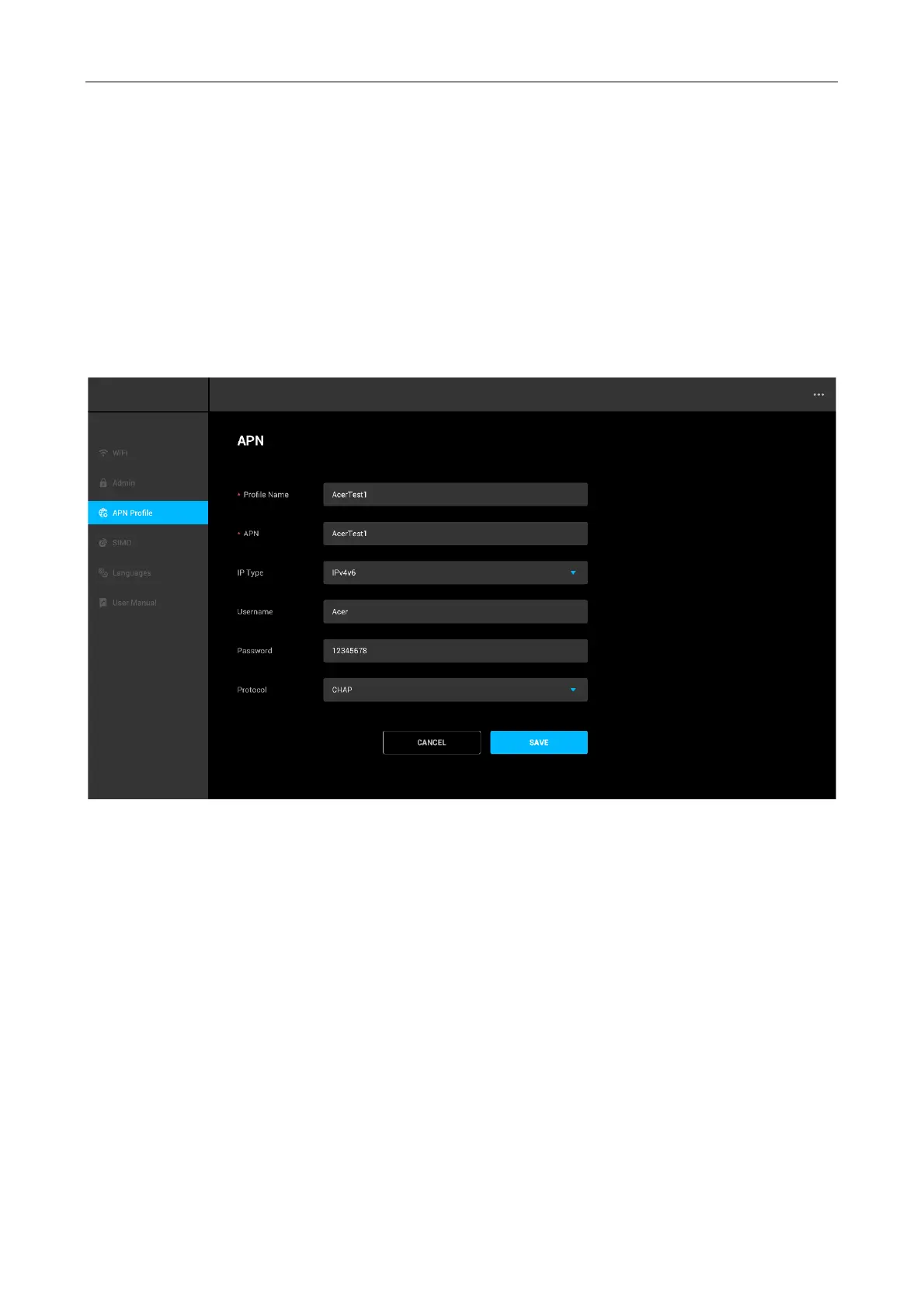
Add New APN Profile
1. From APN profile menu, click Add APN.
2. Input the required parameters inquired from your network provider, such as Profile Name,
APN, IP Type, Username, Password and Protocol.
3. Click Save.
Note:
• Profile Name is mandatory, cannot be left empty.
• IP Type options: IPv4, IPv6 and IPv4v6.
• Protocol options: None, PAP and CHAP.



 To Next Page