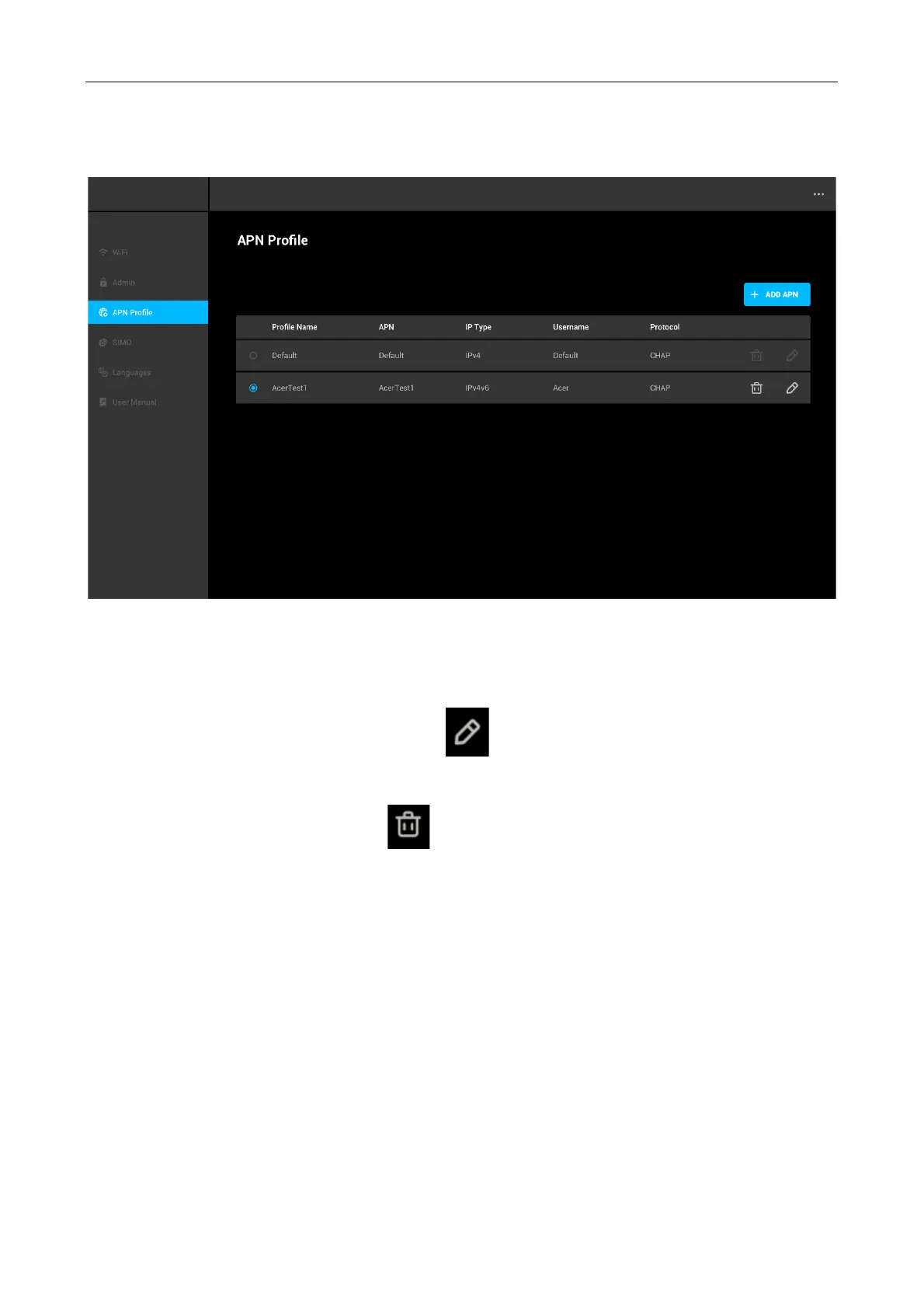
Once the new APN successfully added, it will be shown on the list of APN profile. You can now
choose the new APN to be used by the Acer Connect M3.
Edit and Delete APN Profile
You can edit the APN profile by click the pen “ “ icon on the right side of each profile. Once
you have finished editing, click Save.
To delete an APN profile, click delete “ “ icon. and confirm “OK”.



 To Next Page