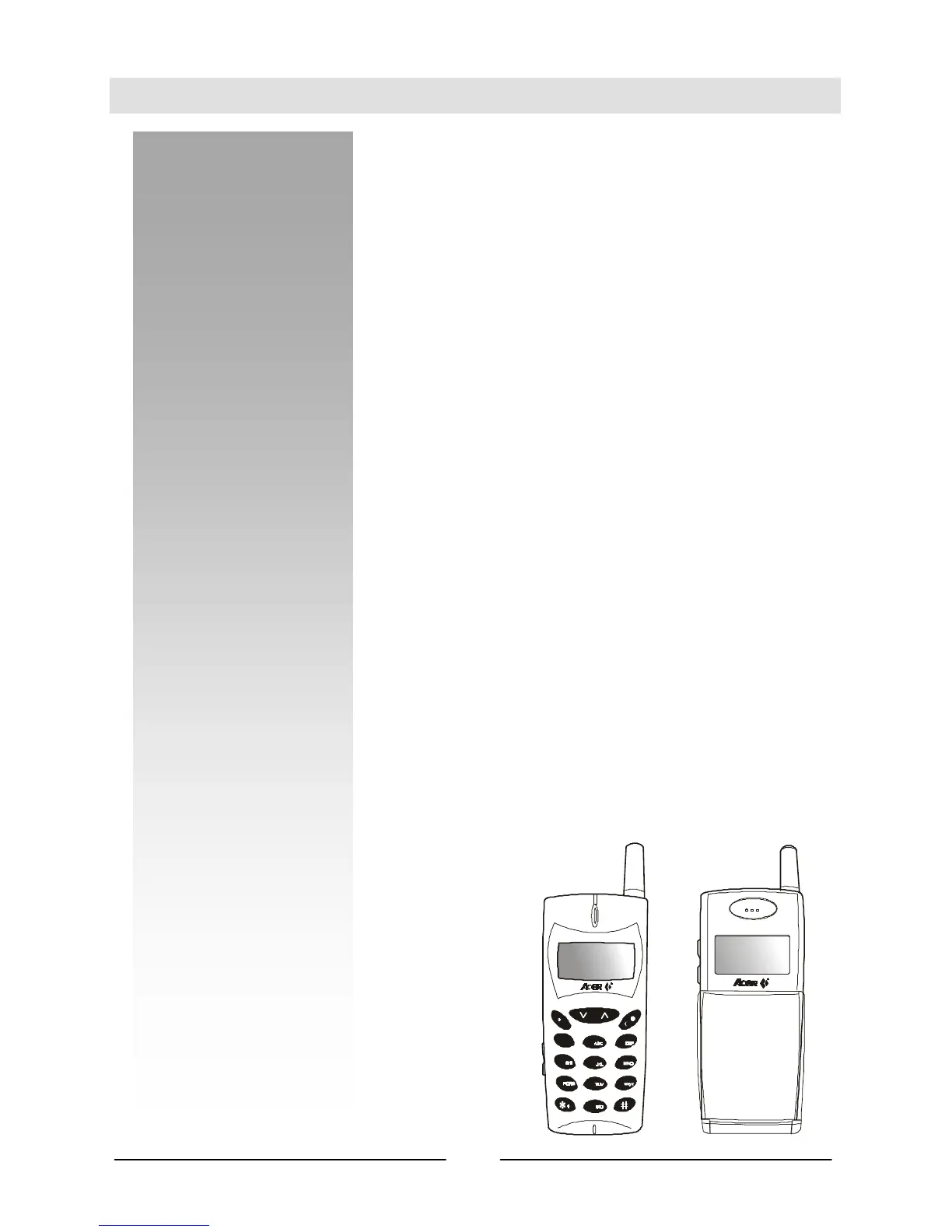
Your Handset
Thank you for choosing the Acer G7 Series mobile phone.
From now on, with your Acer G7 Series mobile phone, you will experience the
total mobility of your life. You will be able to communicate with more freedom
and convenience - you can not only make and receive phone calls with your
handset alone, but also communicate silently by connecting to a laptop or
desktop PC to transmit data, fax and access Internet*.
We know that you demand more than what a mobile phone can offer for
mobility. The advanced EFR (Enhanced-Full-Rate) sound technology optimizes
the sound quality of your phone calls, allowing you to clearly distinguish the
speaker’s tone. If you are surprised at what you hear, you will be even surprised
at what you see – the electroluminescent LCD display frees you from the
nightmare of groping between pixels. You will see clearly each and every
character displayed on the screen.
Why not take your phone as a personal secretary? With the built-in calendar
function, you can jot down important notes on different dates and remind you
with alarm when it’s time to go. If you prefer a silent reminder, the built-in
vibrator ringer can certainly save you from embarrassment in a meeting.
There are more to discover. Now please follow us and make acquaintance with
your new and versatile partner.
*Data Service Kit is required to use the data service function.
3
5
8
0
2
1
4
7
6
9



 To Next Page